
Positive Parenting
This is a one-stop app for all of your parenting questions!
Overview
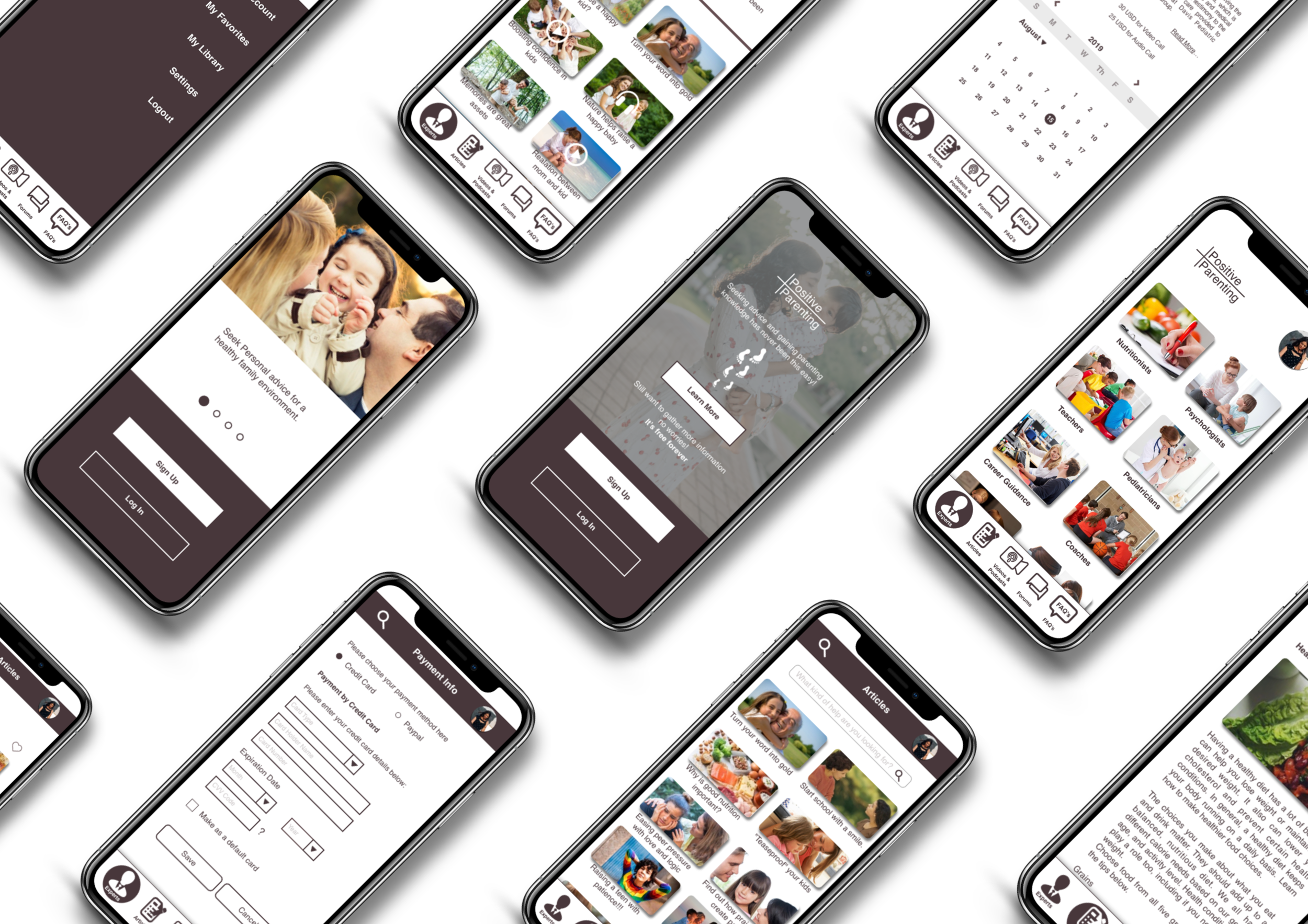
Positive Parenting is an expert app that I have developed as part of my Career Foundry UX design course. This is a trustworthy and easy to use app for parents which provides instant and reliable advice from the experts for child-related problems. In addition, there is an ability to schedule one time and recurring calls and appointments with experts. It offers an easy search for parenting-related questions through articles, forums, and FAQs.
Design Methods:
Research, surveys, user interviews, persona creation, user journey maps, task analysis & user flows, card sorting, sitemap, wireframes, usability testing, preference tests, mockups, animations, and prototypes.
Tools Used:
Sketch, Invision, Pen & Paper, Google Forms, Optimal Workshop, Balsamiq Mockups, Zoom, Usability Hub, Adobe XD, Keynote, Principle.
Problem Statement
“Users need an app that is trustworthy and easy to use to get instant advice because they feel that an expert can understand the problem well and advice better than anyone else.”
We will know this to be true when we see a high number of downloads, positive reviews, and user retention.
My Approach
Observations and Insights
In the early stage, I researched the expert related apps that are available and relevant to my app. I modulated user interviews and learned about their experiences, and understood about the needs, and requirements that current apps are not meeting.
Both the competitive analysis and user interviews helped me to gain the big picture where the users are not gaining from the available apps, and the scope of my app to seamlessly integrate the features and experiences.
Research
UX Analysis
SWOT Analysis
Survey
User Interviews
Ideation
Persona
User Personas were crafted based on the data gathered from research and user interviews. They helped me to focus on the main problems users face and to find solutions about how they can get more out of the app.
User Journey Maps
User journey maps helped me to tell a story about the user's goals, where I can focus and share the vision as it progresses through the design process. The key insight here is the journey of emotional experience, and their thoughts help to obtain the opportunities where the app can be improved.
Task Analysis & User Flows
The app's initial framework is finally put to test through an open card sorting. From the card sorting findings, it became easy, and it helped me to rework the sitemap that the app's information architecture would be based on.
Card Sorting Results
Site Map
Wireframes
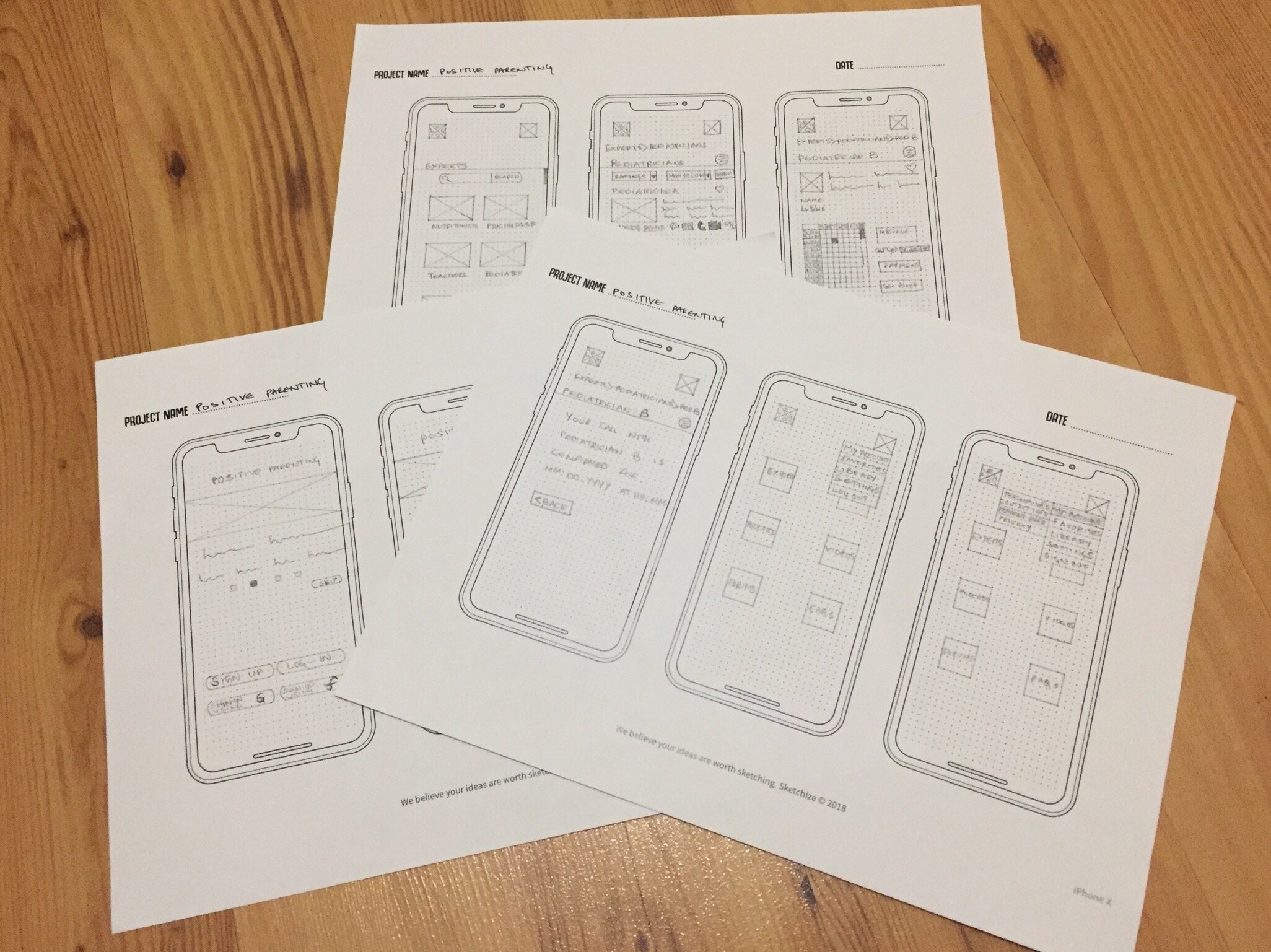
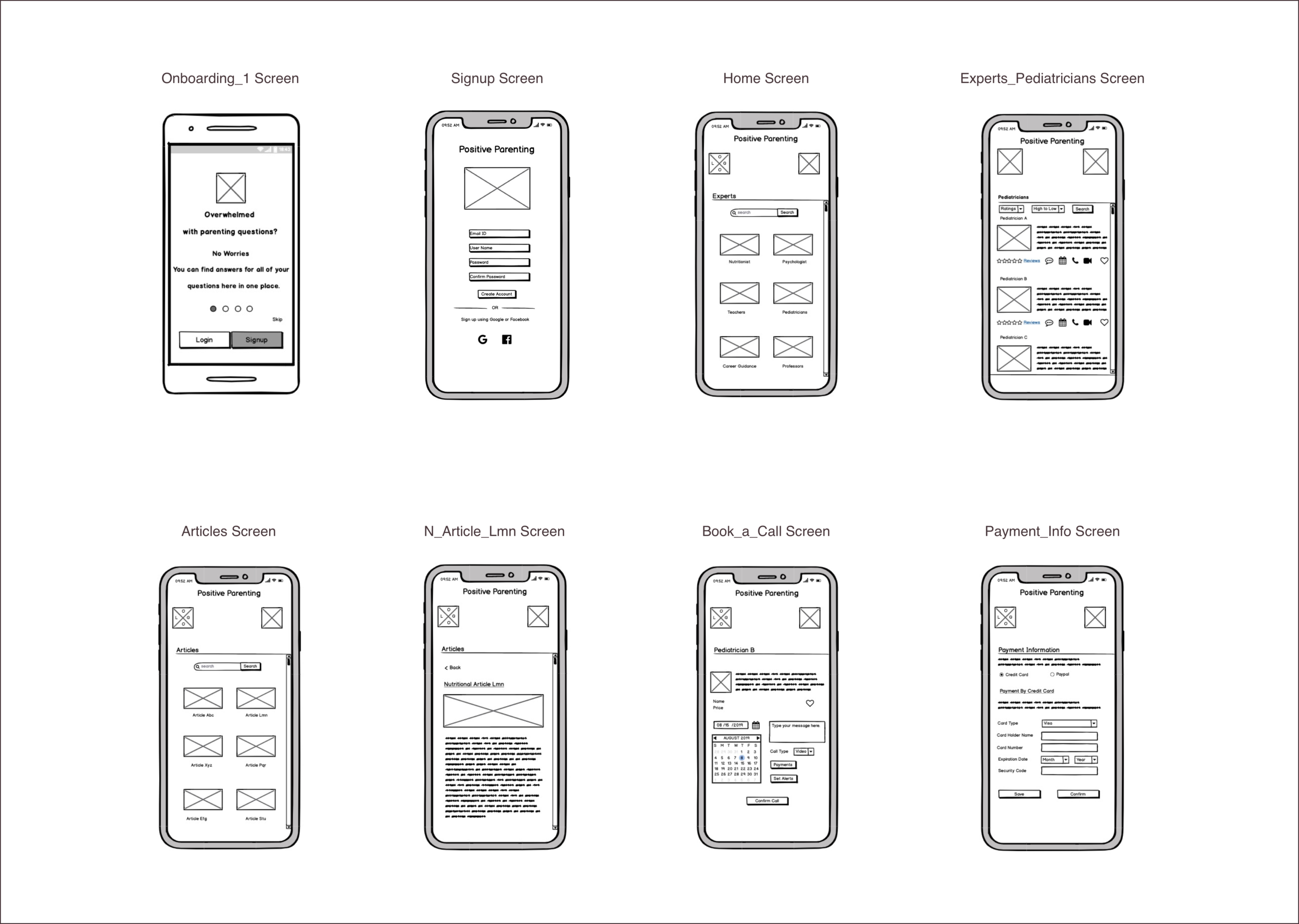
With the basic architecture in hand, it was time to bring them to life through the prototype. For this, I drafted the wireframes, and they began with rough sketches using my favorite method pen and paper. From there, I continued to mid-fidelity wireframes by adding more details using Balsamiq.
My journey continued with few iterations by making proper adjustments and enhancements until I reached my high-fidelity wireframes I crafted using the sketch. These wireframes after each iteration they are coming close to the pixel-perfect mockups.
Low-Fidelity Wireframes-Pencil & Paper
Mid-Fidelity Wireframes - Balsamiq
Mid-High-Fidelity Wireframes-Sketch

In the first round of usability testing, the main goal was to test the functionality of the Positive Parentings core features- Find the pediatricians, and book a call with them. I got these three most severe issues by priority:
Usability Testing
Affinity Map - Observations
Rainbow Spreadsheet - Observations
Issue1(High):
Issue2(High):
Issue3(Medium):
Preference Test
The goal of performing the preference test is to better know the preferences and requirements for the signup features by receiving feedback from multiple users.
Preference Test Report: What was tested
Preference Test Results: Testing Results
Preference Conclusions: Design Conclusions
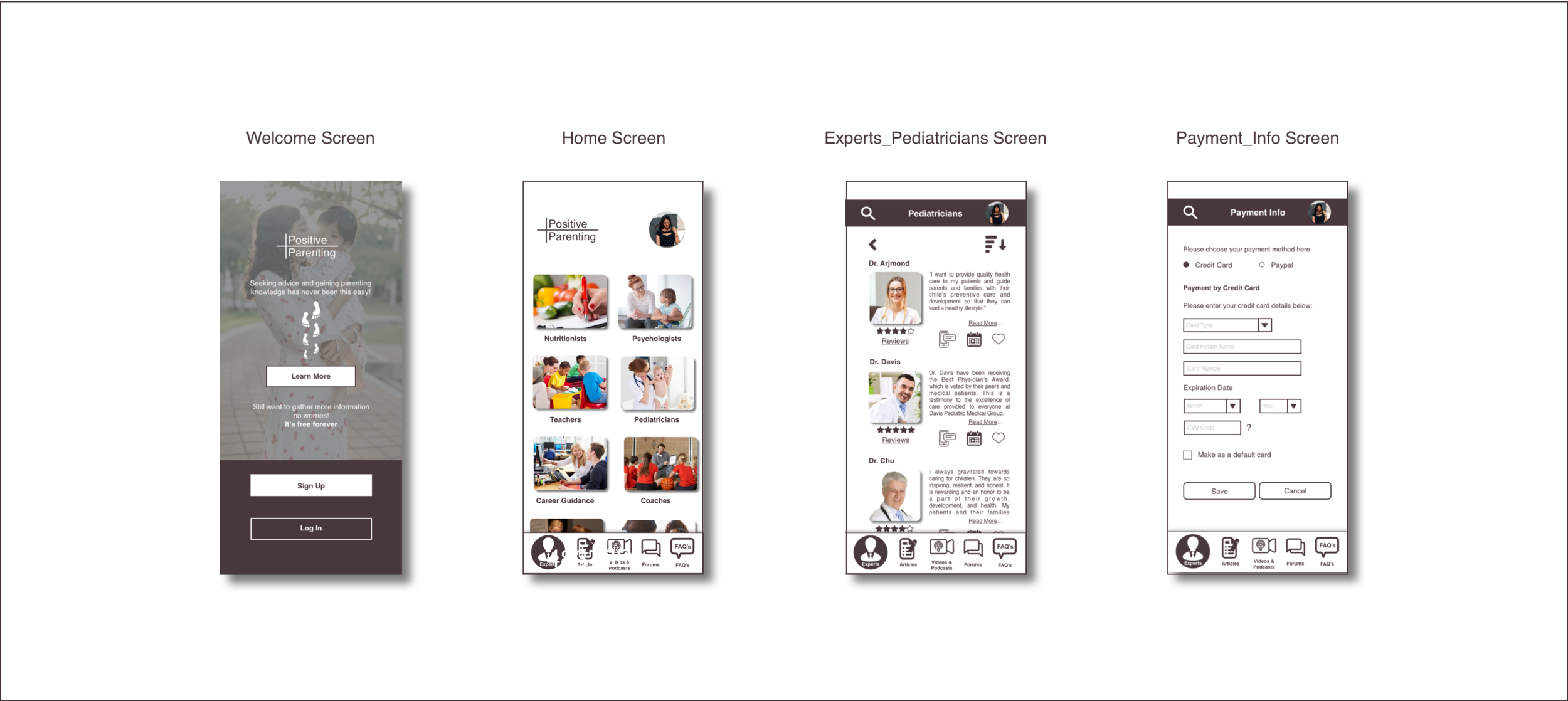
Using these new sets of data, I had enough knowledge to start my visual design for the wireframes! I also paid close attention to incorporating the Gestalt Properties, and Accessibility Guidelines.
Moodboards
High-Fidelity Wireframes
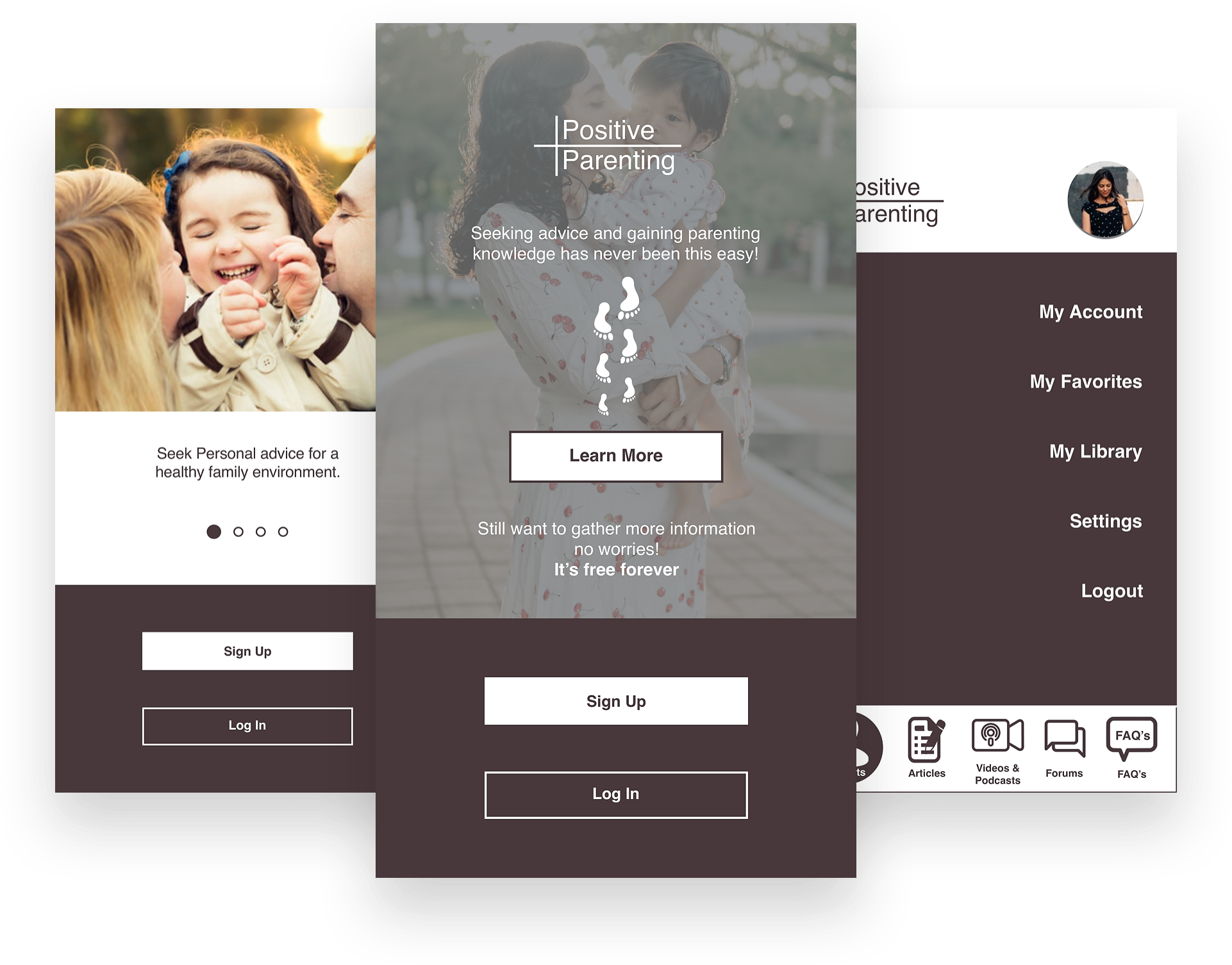
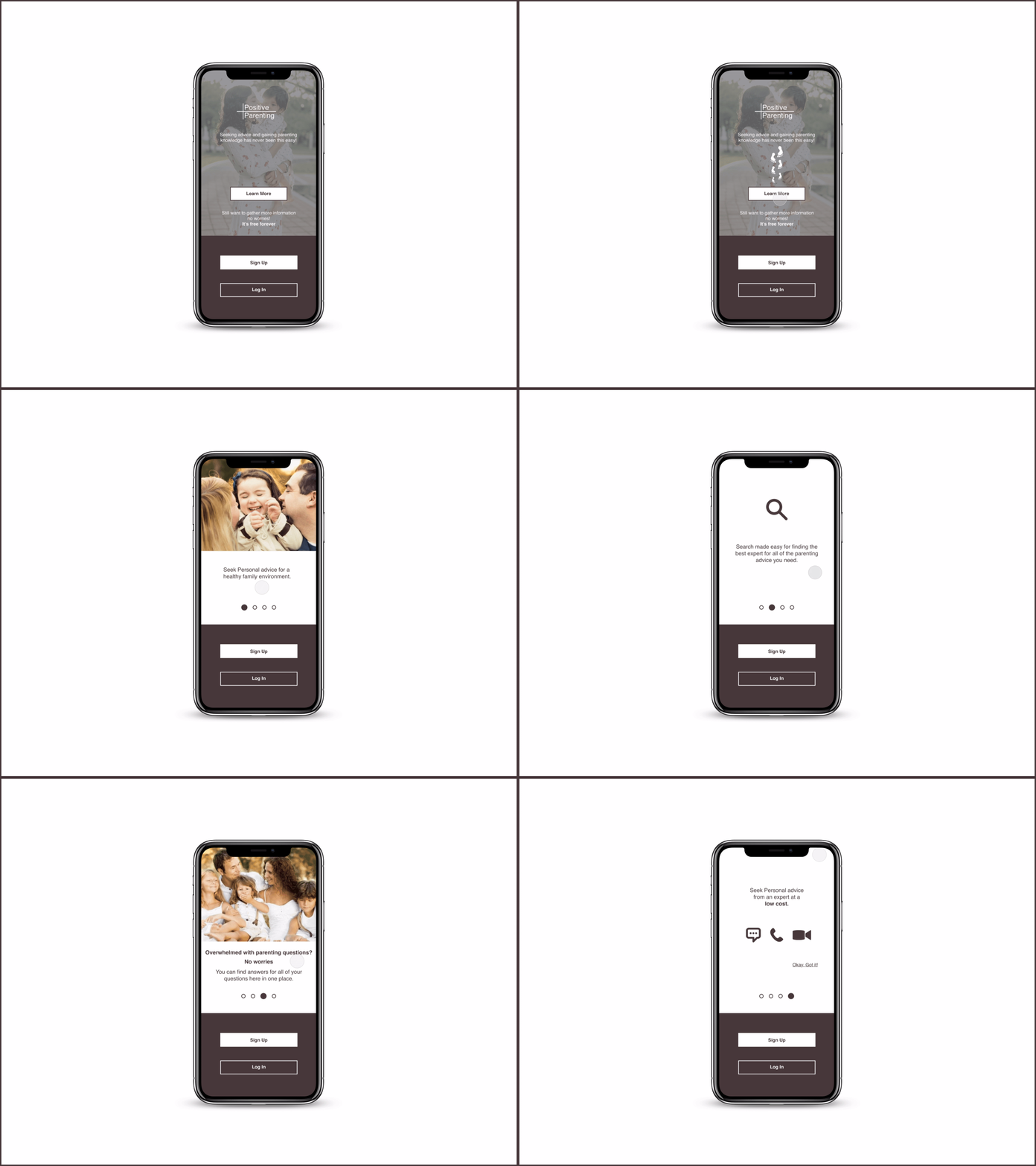
For my app introduction screens, I used principle to create this simple animation. Users can view the optional onboarding by going through the “learn more” button.
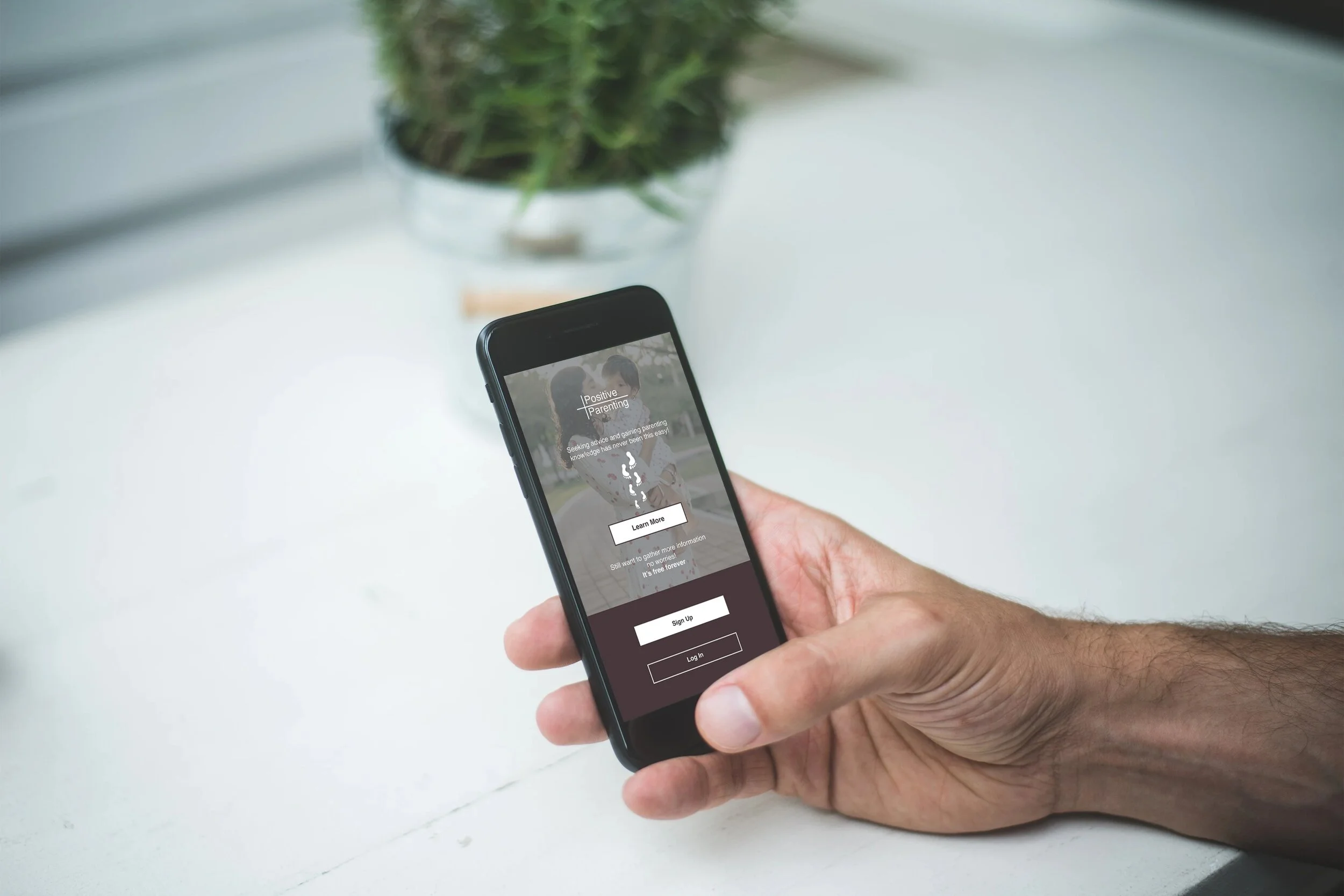
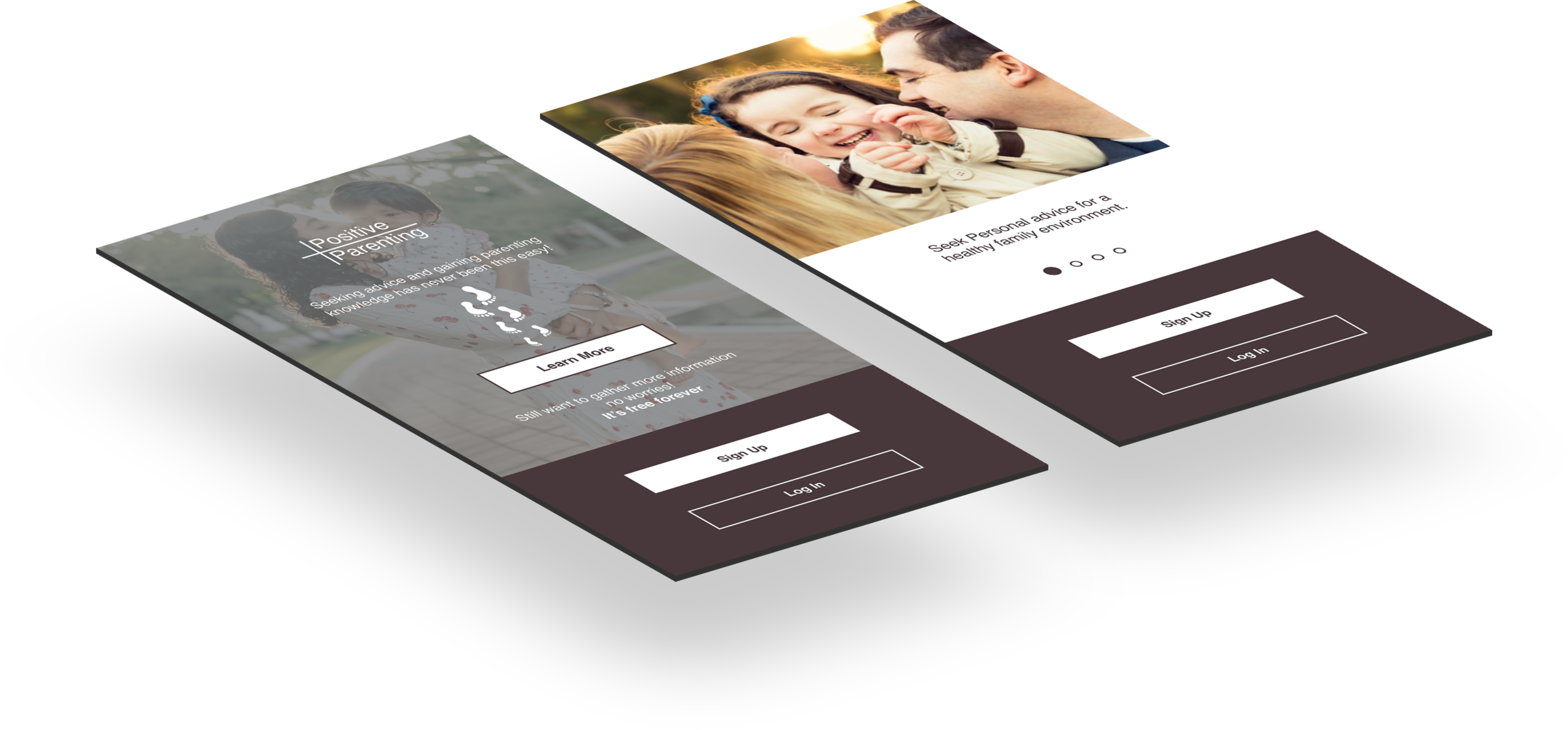
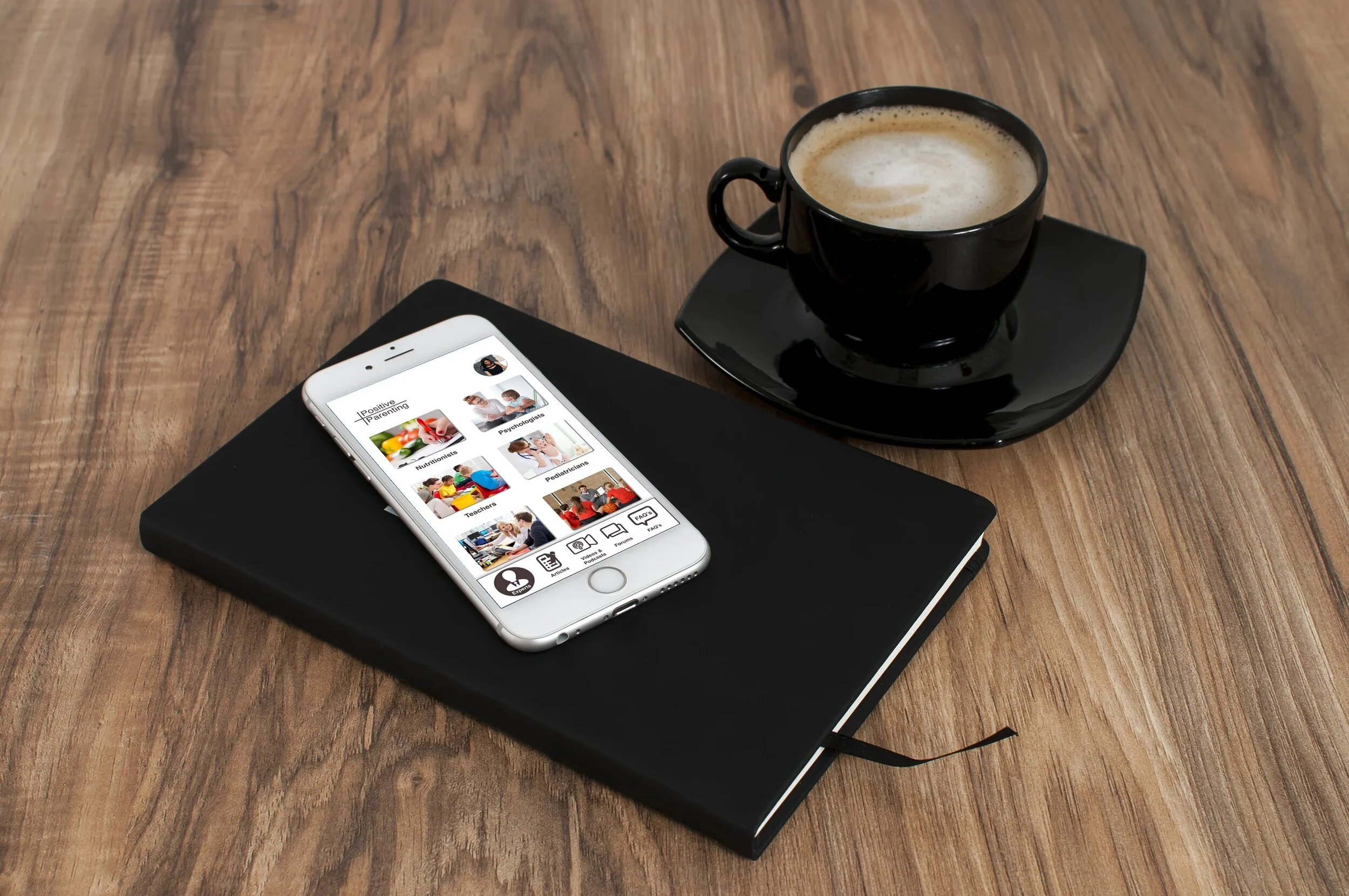

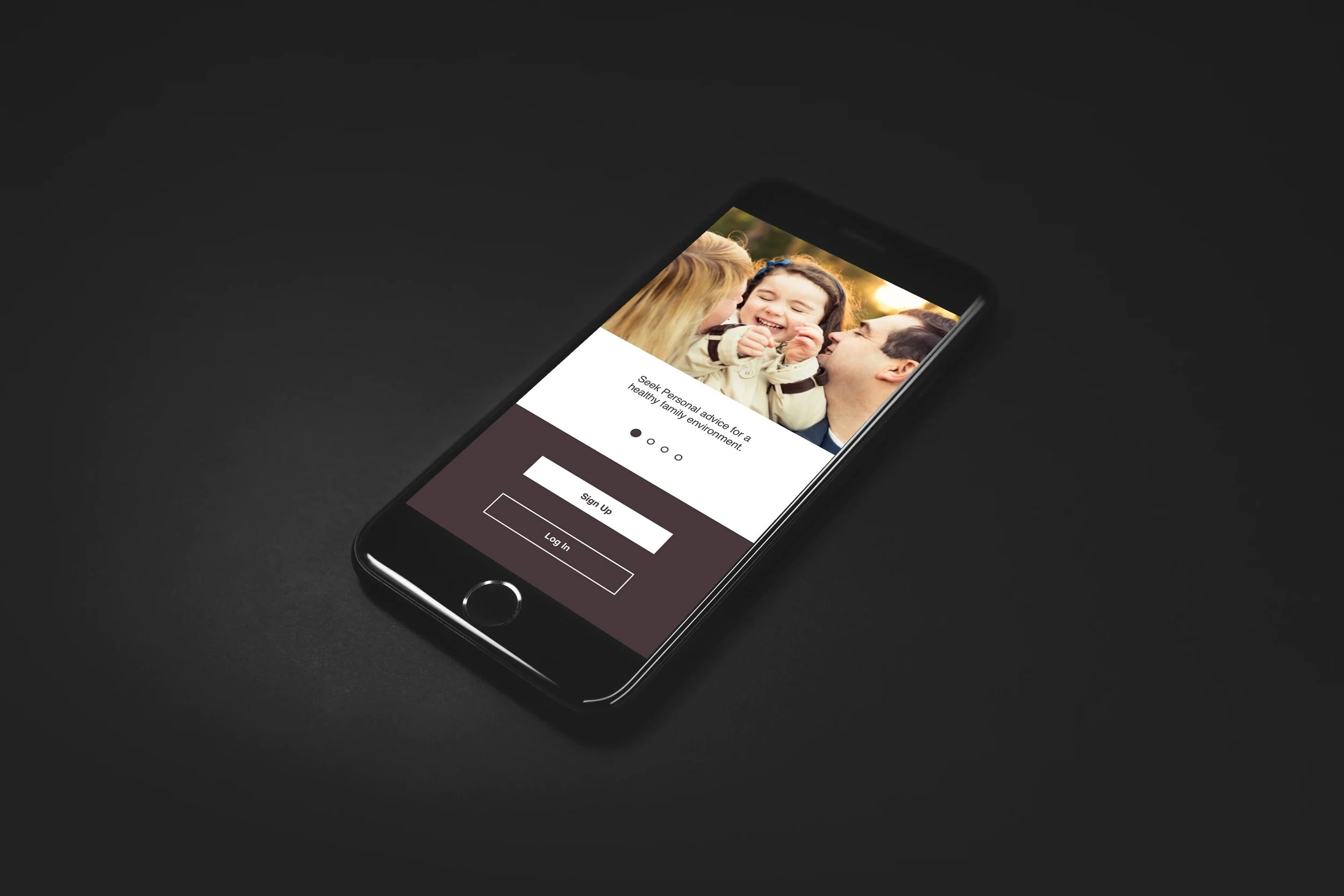
After gathering the feedback from peers of the design community, and applying the accessibility guidelines, the prototype is reviewed and revised. Here lies the link to a recent version of the Positive Parenting app's prototype!
Retrospective
I benefitted from the research I did for this project and learned how to enhance the experience by using various research methods and techniques. Following the UX process with empathy towards users' helped me to create designs with improved efficiency. I faced a few challenges during my project timeframe, as the usability testing was not going well as planned. I recruited participants for the moderated usability testing, and it went pretty well. While everything is going smoothly, then because of an unexpected event two of the participants dropped from the testing sessions. Then I reached out to different communities and identified the participants that suit well for my apps' space to conduct the test. The other main challenge I faced during this project is the prototyping tool I have selected for this project. As I was not familiar with the tool, I spent a considerable amount of time to master me by learning and practicing the solutions by going through various blogs and portals.