
KnowitAll App
The Product empowers users by enhancing their efficiency and effectiveness, serving as both a guide to support and a key to unlocking knowledge
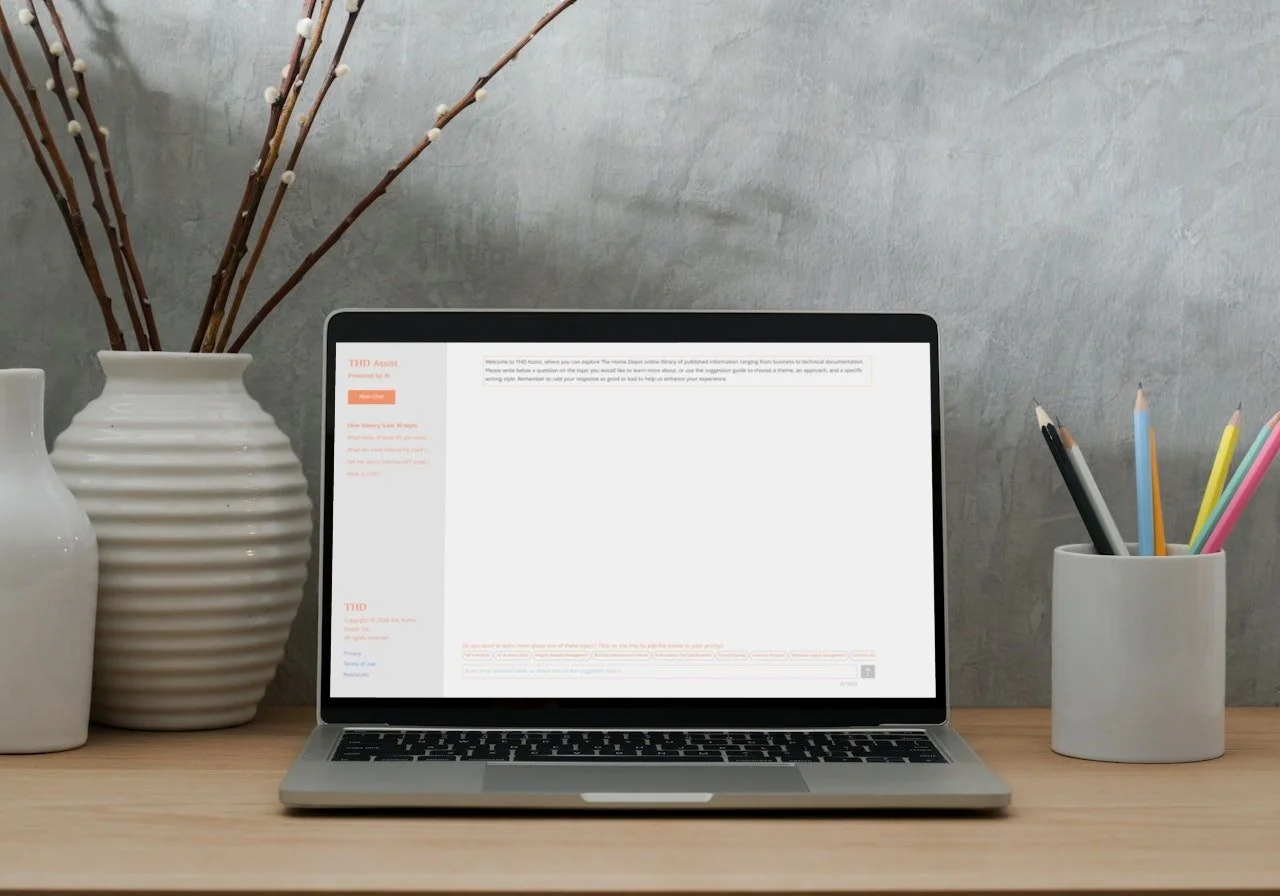
Client: The largest home improvement retailer
Role: Product Designer
Project details:
The HD’s reign as most trusted home retailer in the U.S. was starting to get challenged by the competition. With their digital experience lagging behind their brand, the challenge was to arm HD with the ultimate power through centralized knowledge base. The design solutions aims to take a user-centered approach, prioritizing employees' needs and experiences. By understanding their challenges and preferences, aim to create a seamless experience for accessing support and knowledge. Through intelligent guidance and a centralized knowledge base, employees can find information quickly and easily. This approach ensures the solution is adaptable and customizable, fostering engagement and empowerment across all departments.
Contribution:
Understanding the requirements, gathering required documentation, User Research, Design workshops, Userflows, Ideation, Low-to-Mid-to-High Fidelity Wireframes, Comps, Interactive Prototypes, Usability Testing, Design Documentation, Development Hand-off, Design QA.
Tools used:
Figma, FigJam, Miro, Chat GPT, Office 365, Adobe CC, Authenticator, MS Teams, MS Excel, SharePoint, and Jira
The Challenge
As a designer on this project, committing to navigating the complexities of understanding diverse user needs across departments, managing stakeholder expectations effectively, and adapting to evolving requirements throughout the project lifecycle.
Challenge Accepted
By fostering open communication, conducting thorough user research, and remaining agile in our approach, we can ensure that the solution we deliver meets the needs of all stakeholders and evolves in alignment with organizational goals.

Approach
Throughout the project, I worked collaboratively to ensure that every aspect of the solution, from design and development to deployment and support, was effectively managed and aligned with organizational goals. This approach enabled me to identify key issues and user needs, leading to improved designs and enhanced product usability and experience.
How I helped
Worked closely with the product owners, development teams, project manager, infrastructure team, and legal/compliance team.
Collaborate with product managers, developers, and stakeholders to understand scope of the unified platform
Helped team members in prioritizing the feedback from the users throughout the customization process
Helped in negotiating the needs of the employees across different departments
Helped team members with brainstorming and design critiques
Moderated design sessions with cross-functional teams.
Throughout the deployment process, I provided support to the stakeholders by addressing any design-related questions that arise.
Efficiently used the design system in designing the customized solution and language of the product
Experience working with external vendors for the project during the implementation.
Tailored the white box solution with a focus on accommodating the diverse needs and behaviors of users across various teams
I supported the development team by addressing their inquiries and addressing any concerns they had regarding the product's designs and functionality
Ensured clear documentation of the business rules to guide the development team during coding and provided support during the design review process as the code transitioned from staging to production.
Research/ Discovery phase
As part of the initial research process, had an opportunity to gather the various documents from the in-house research team. In understanding why this product is needed and what I need to achieve through my design, I had to deep dive into the needs and painpoints of the users. In my exploration of understanding the necessity of deployment of the product, came to see some interesting findings. Deep dive into the research findings and more exploration and white-boarding sessions with the users of different departments came out to be very useful in driving the project in the right direction.
Managing wiki pages and other documentation has become challenging for employees due to the numerous departments and diverse projects within the organization. With employees focused on their daily project tasks, there's a lack of clear guidelines for organizing documentation, leading to cluttered wiki pages. This inefficiency has resulted in missing documentation and slower response times.
In order to address these user problems, I gathered all documentation from the team and started to understand the pain points and challenges faced by employees when accessing and managing documentation. I started my user research by leading the design workshops with the employees of various departments. From the sessions I observed and gathered insights into user behaviors and preferences. Additionally, personas and journey maps helped to identify common patterns and workflows across different departments.
Furthermore, usability testing of the existing wiki pages and documentation storage systems revealed the areas of confusion and difficulty for users. By observing how employees interact with the current wiki pages, I observed and gathered feedback on their experience, I can pinpoint the need for implementation of the product for an efficient, effective, and user-friendly solution.
Identifying the pain points
I gathered all the painpoints that I observed during the testing sessions with stakeholders and users of various departments. I Want to prioritize them based on their needs and day-to-day activities. For this I chose to go with dot voting to identify the most critical pain points or usability issues encountered by them, helping to prioritize areas for the design and functionality of the product.
Difficulty in Finding Information
Inconsistent Support Experiences
Limited Collaboration and Knowledge Sharing
Fragmented Systems and Tools
Security and Compliance Risks
Data Redundancy and Duplication
High Support Costs and Resource Allocation
Lack of Insights and Analytics
By addressing these pain points with a unified solution for knowledge management and customer support, we could streamline the processes, improve collaboration, enhance user experiences, and drive overall efficiency and effectiveness. From the research data we could land to define the problem statement.
Problem Statement
Employees encounter challenges in efficiently managing both internal knowledge and customer support due to the decentralized nature of operations, encompassing multiple departments and diverse projects. This results in cluttered internal documentation, slow response times to customer inquiries, and inconsistent support experiences. The absence of clear guidelines and organization methods hampers productivity, effectiveness, and customer satisfaction. A unified solution is urgently needed to streamline internal knowledge management and customer support processes, providing clear guidelines, efficient organization methods, and consistent support experiences for employees and customers alike.
Ideate Solutions
A unified solution of the product that can efficiently retrieve the knowledge and also help users in fast response times. For ideating, came up with some ideas and features that are helpful to the users. I led the design workshops to brain storm the ideas with the stakeholders of the various departments. With the brainstorming sessions came up with some really important features.
Collaboration is the key during the journey. AI engineers and data scientists became the key in designing conversational flow and personality of the internal GPT. Worked with SME’s and architects as well to understand the API’s and document storage at the central repository. The learning of the backend made easy to understand and brainstorm the features efficiently. This left us with a big list of features that have to be implemented in the designs to bring the complete product to life.
Define Features List
We made a detailed list of features to help the company reach its goals. Then, we picked out the most important ones that we could start working on right away with what we have. Dot voting was really helpful in getting all stakeholders to agree on which features were the most important. In doing so, we established a shared vision, enabling cohesive teamwork and efficient collaboration. The prioritized list of features that we all agreed upon are like:
Intelligent Support Guidance: Our solution employs AI-powered algorithms to provide personalized support guidance tailored to each employee's needs and queries.
Comprehensive Knowledge Base: A centralized knowledge base houses a vast repository of information, including FAQs, best practices, policies, and procedures, ensuring employees have access to up-to-date and relevant knowledge.
Real-Time Assistance: Employees can receive real-time assistance and guidance through chatbots or virtual assistants, expediting issue resolution and decision-making processes.
Analytics and Insights: Built-in analytics provide valuable insights into employee support interactions and knowledge usage, enabling continuous improvement and optimization of the platform.
Wireframes
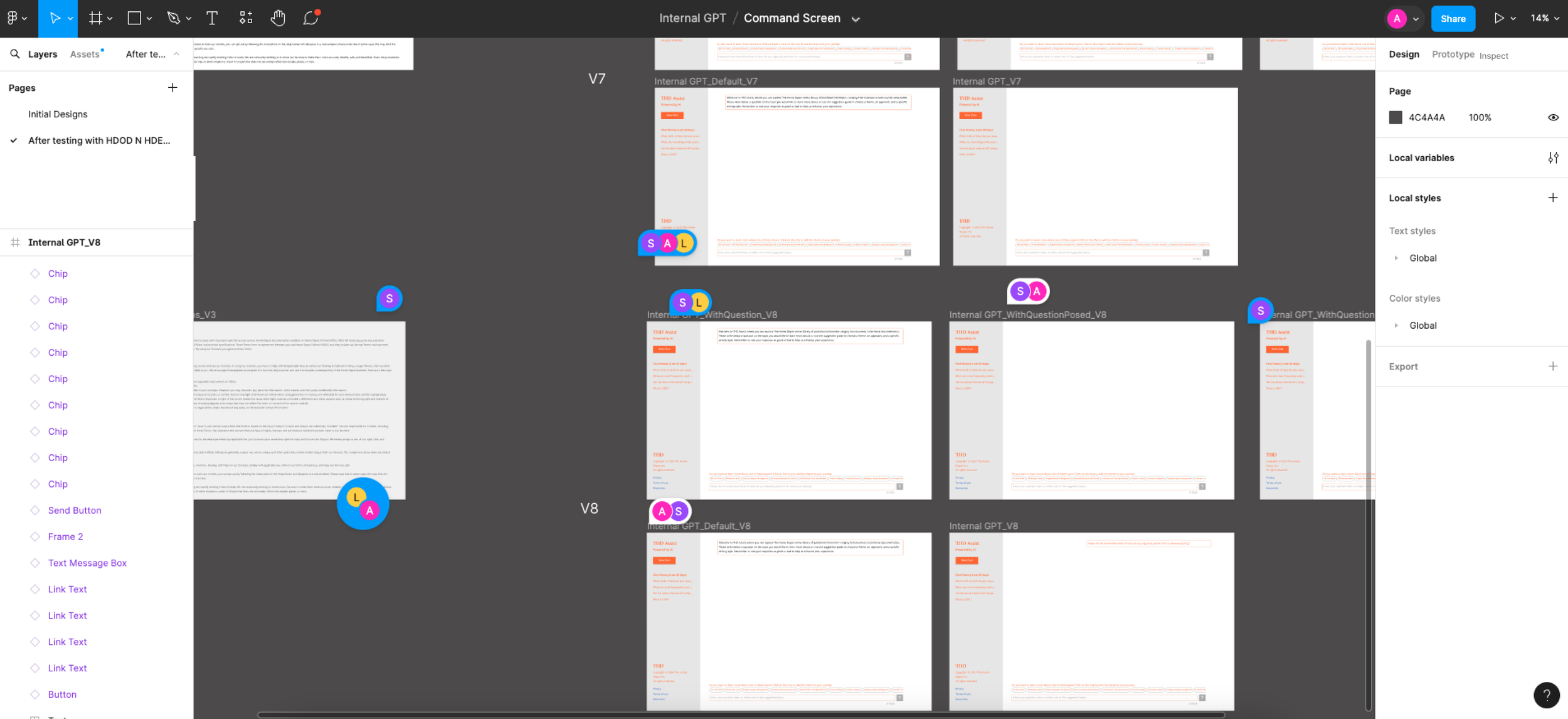
I initiated the design process by sketching drafts utilizing FigJam. These initial drafts served as a foundational framework, enabling me to visualize the overarching design direction. Throughout the development and customization of the internal GPT, I maintained the original design concept as the backbone, ensuring its core essence was preserved. Simultaneously, I crafted wireframes with a user-centric approach, prioritizing their needs and pain points.
While designing the wireframes I focused on agility and scale. Using the card-based design system and existing vast library of components, I delivered a consistent experience of the product.
Usability Testing
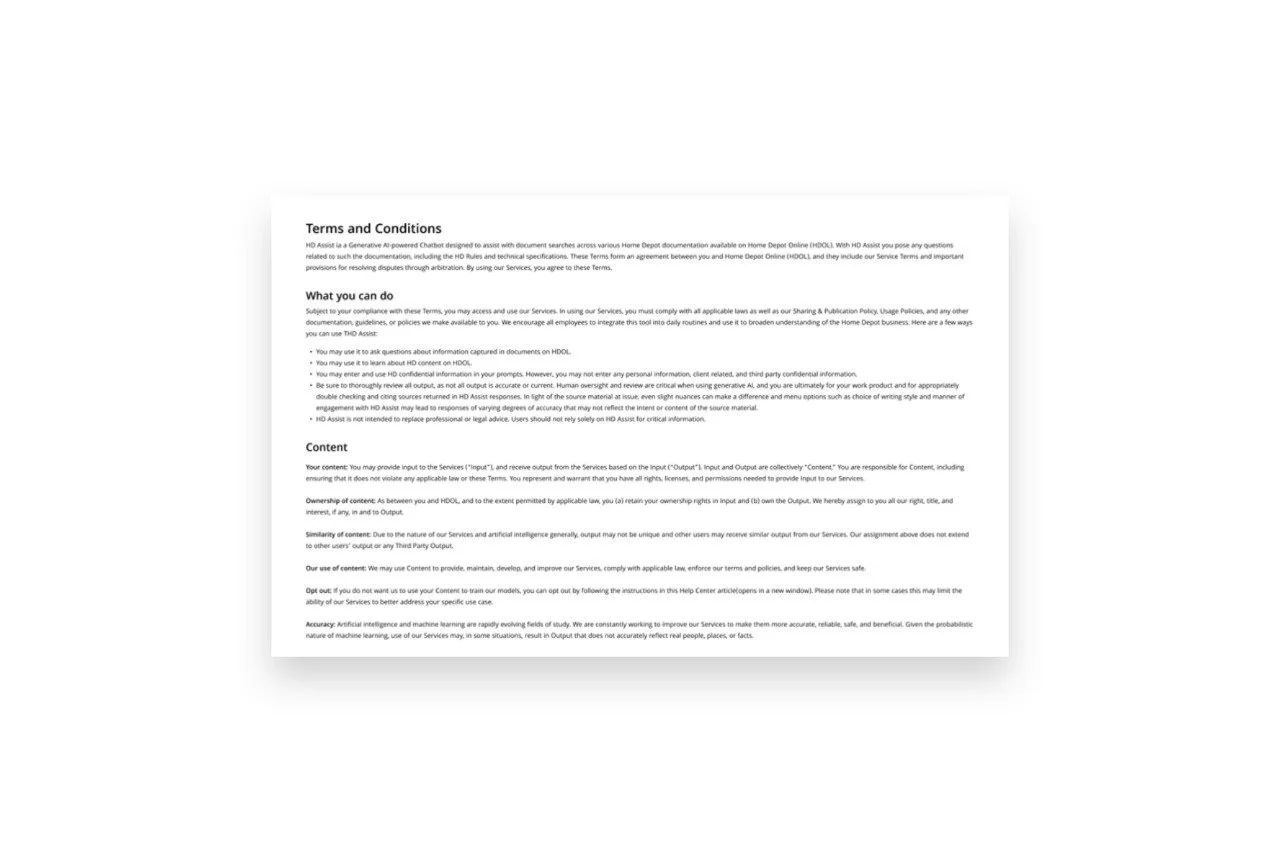
The usability testing sessions with the users proved invaluable in gaining deep insights into their real needs and preferences. Analyzing their feedback precisely, I iterated on the designs continuously, aiming to address their pain points and streamline their daily tasks through product design enhancements.
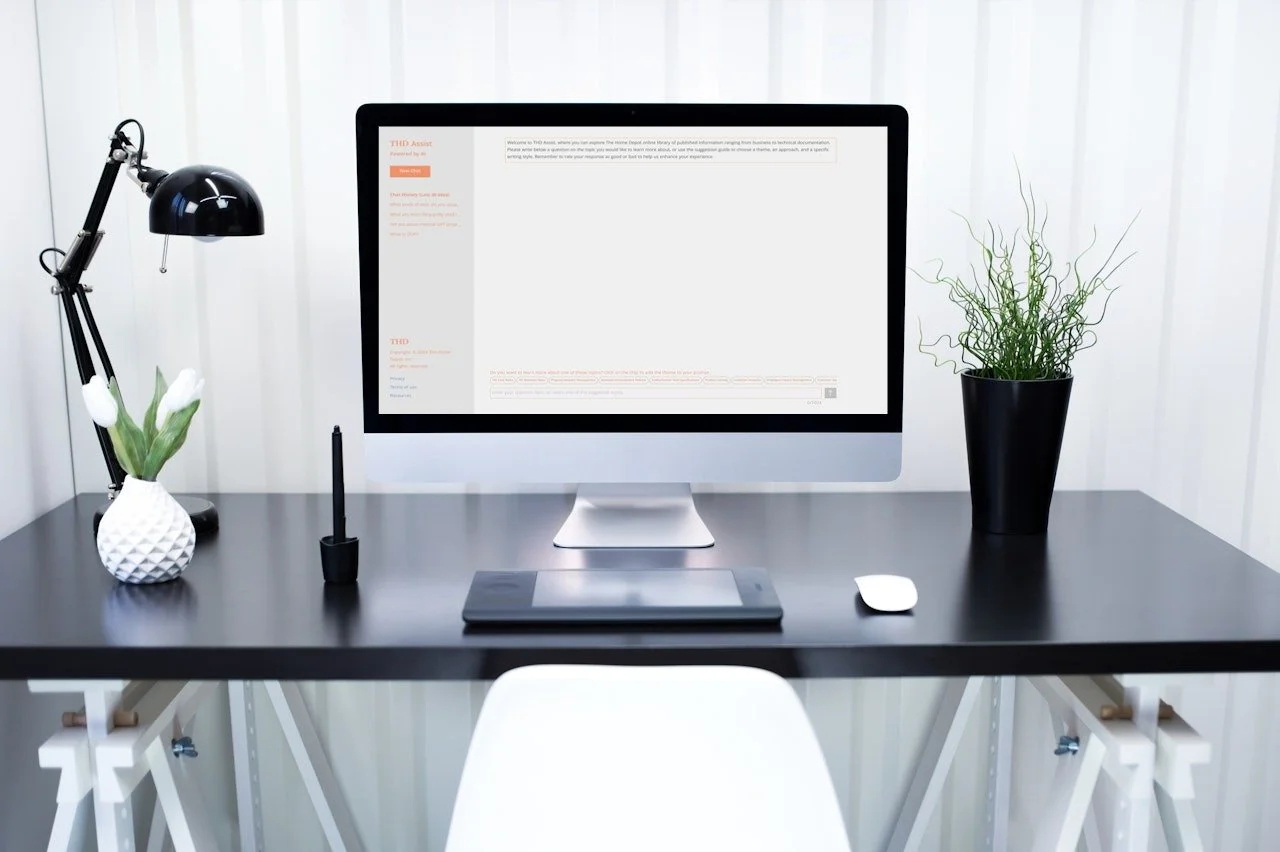
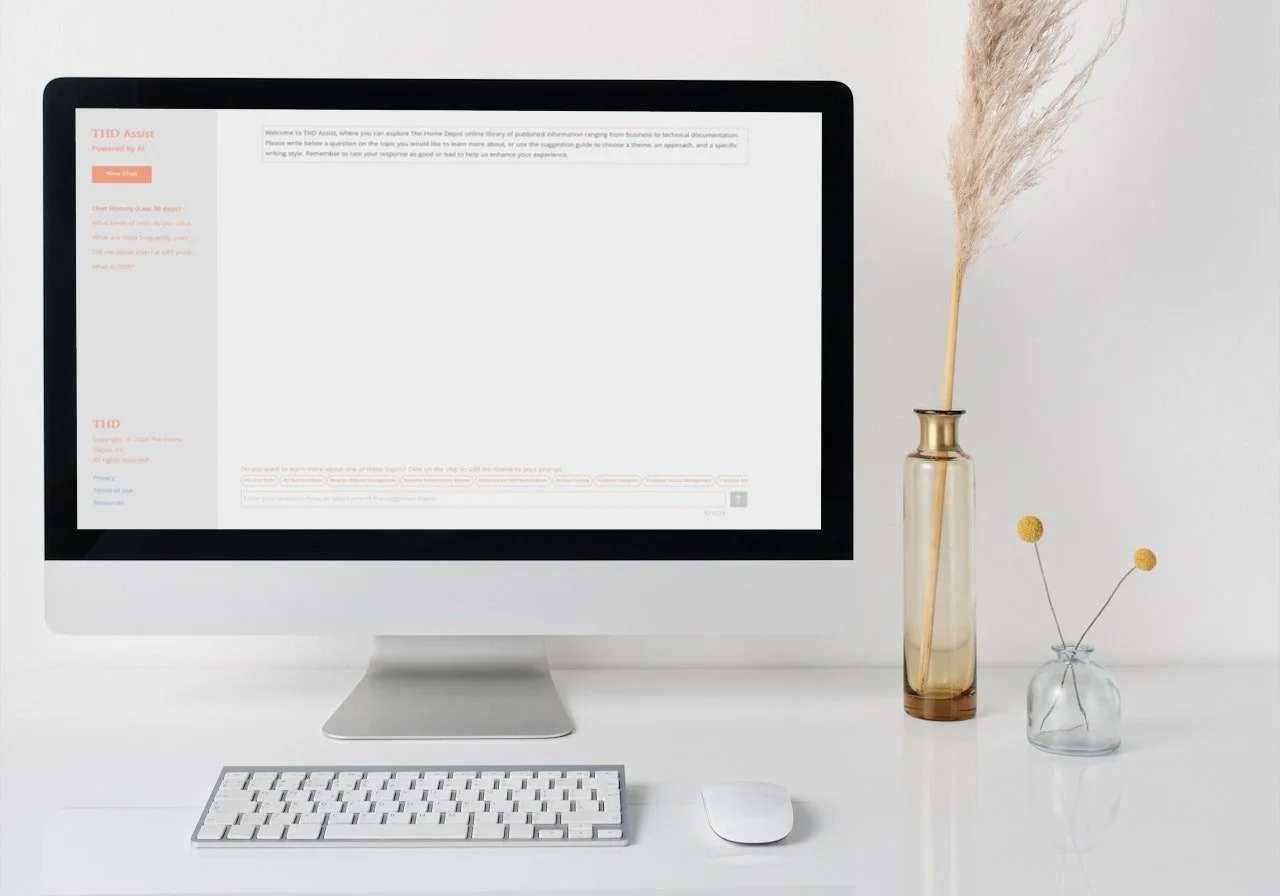
Some testing sessions yielded particularly enlightening results, leading to the incorporation of chips within the designs. These intuitive features have proven helpful in enhancing productivity and efficiency, effectively supporting customers in their day-to-day activities.
Product Validation
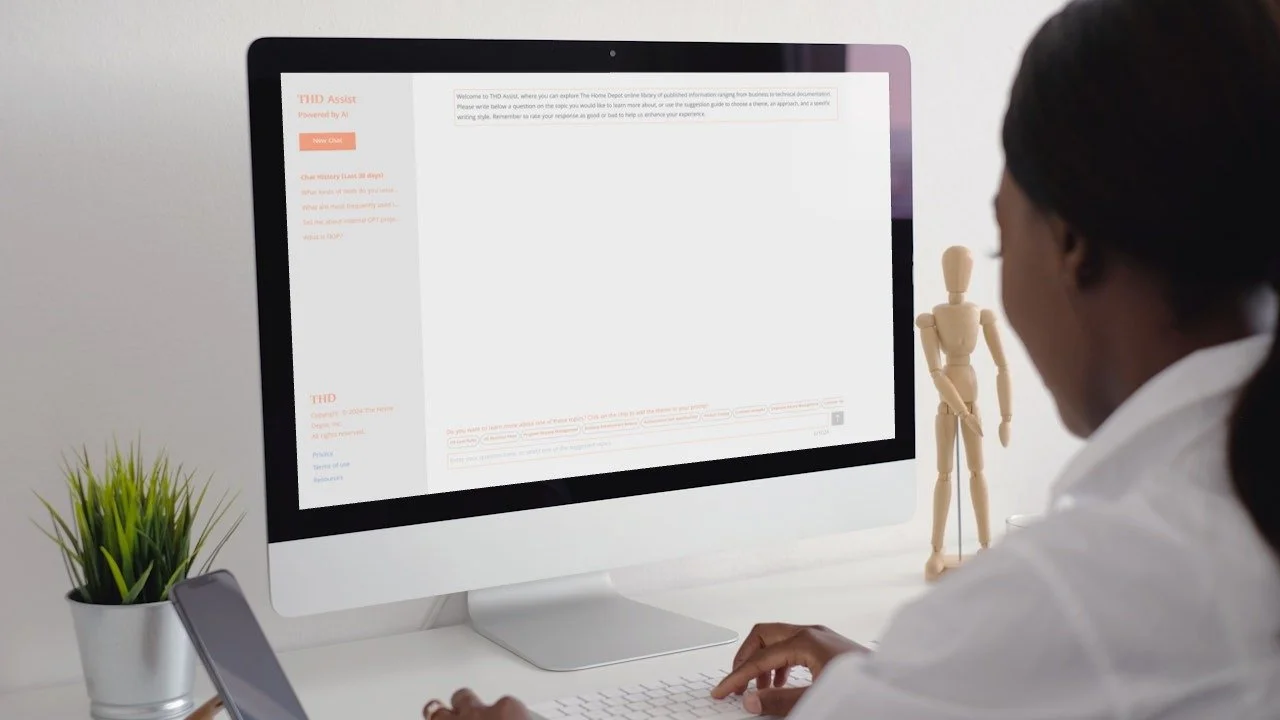
Adhering to the company's design system and guidelines, I meticulously ensured that the designs seamlessly integrated with our established design system. I clearly articulated the design documentation and supported the engineering team to build the product efficiently. By partnering with teams from various departments, the product was successfully launched into production. I validated the product to ascertain its usefulness, efficiency, and effectiveness for users. These insights into the product, user needs, and their routines helped validate the product's success.
Retrospective
Working on an AI project as a product designer was really exciting. This project allowed me to deep dive into the world of artificial intelligence, gaining valuable insights and hands-on experience in leveraging AI technologies to solve real-world problems. Collaborating with experts in the field, I honed my skills in user research and design iteration, ensuring that the solutions were not just technologically advanced but also user-friendly and intuitive. I learned a lot about Chat GPT and got to explore prompt engineering too. The challenges during the project not only expanded my problem-solving abilities but also instilled in me a sense of resilience and adaptability, qualities essential in today's fast-paced tech industry. I excelled at using Figma and also at coordinating with different teams in different time zones. Overall, this experience has been incredibly fulfilling, propelling my growth as a product designer and equipping me with the skills and confidence to take on even more ambitious projects in the future.