
Go Hikers
Hiking app for outdoor enthusiasts
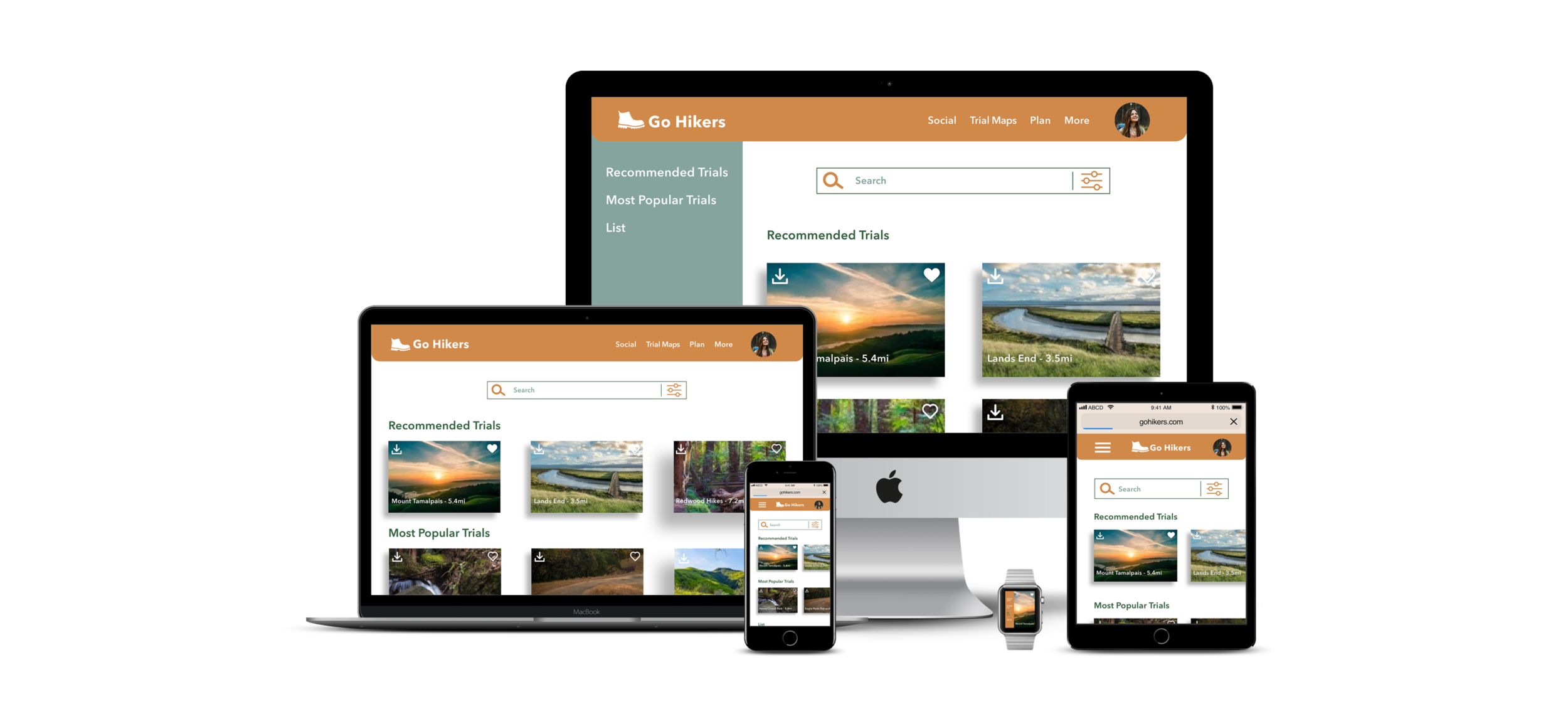
“You have a will to hike, we have a way to serve.”
Overview:
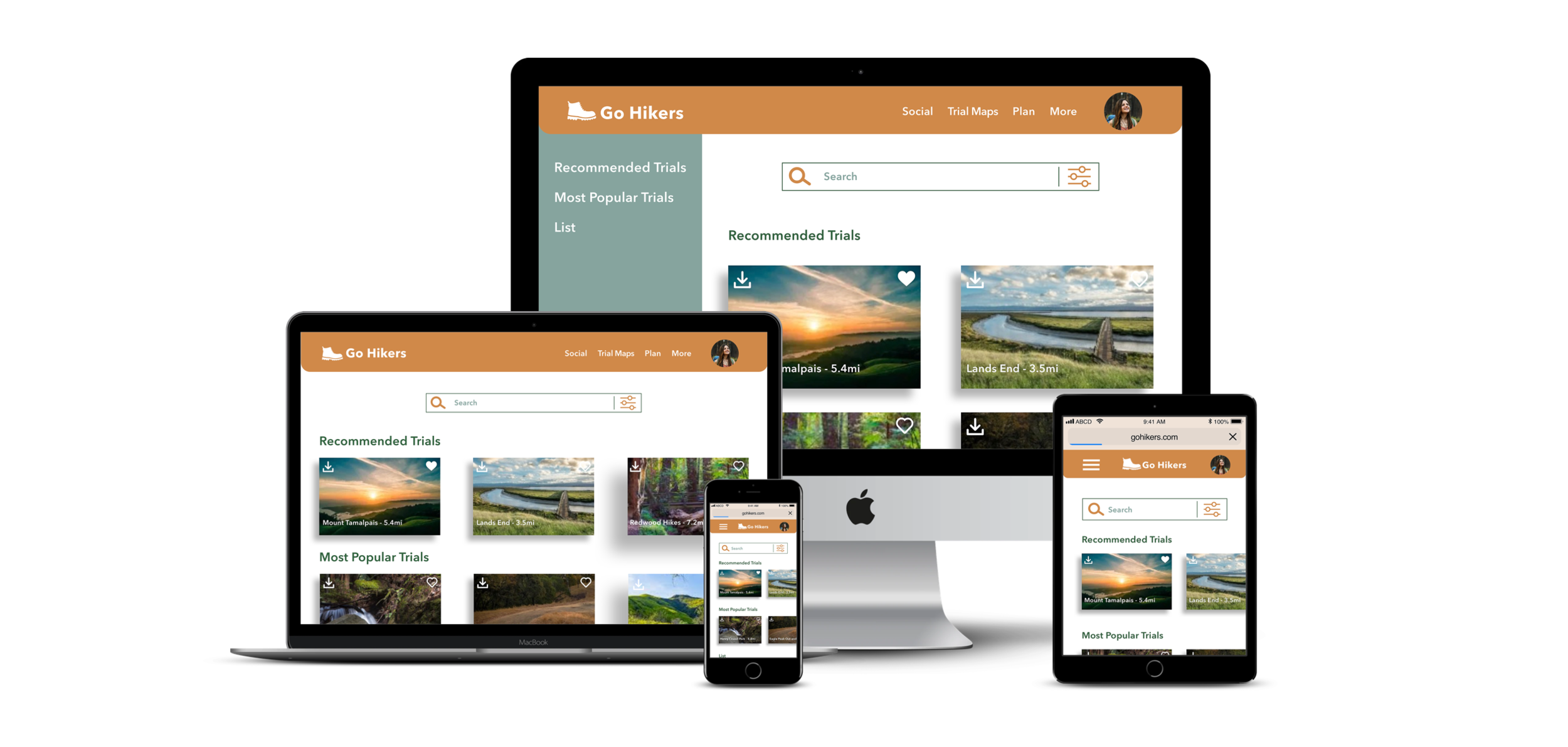
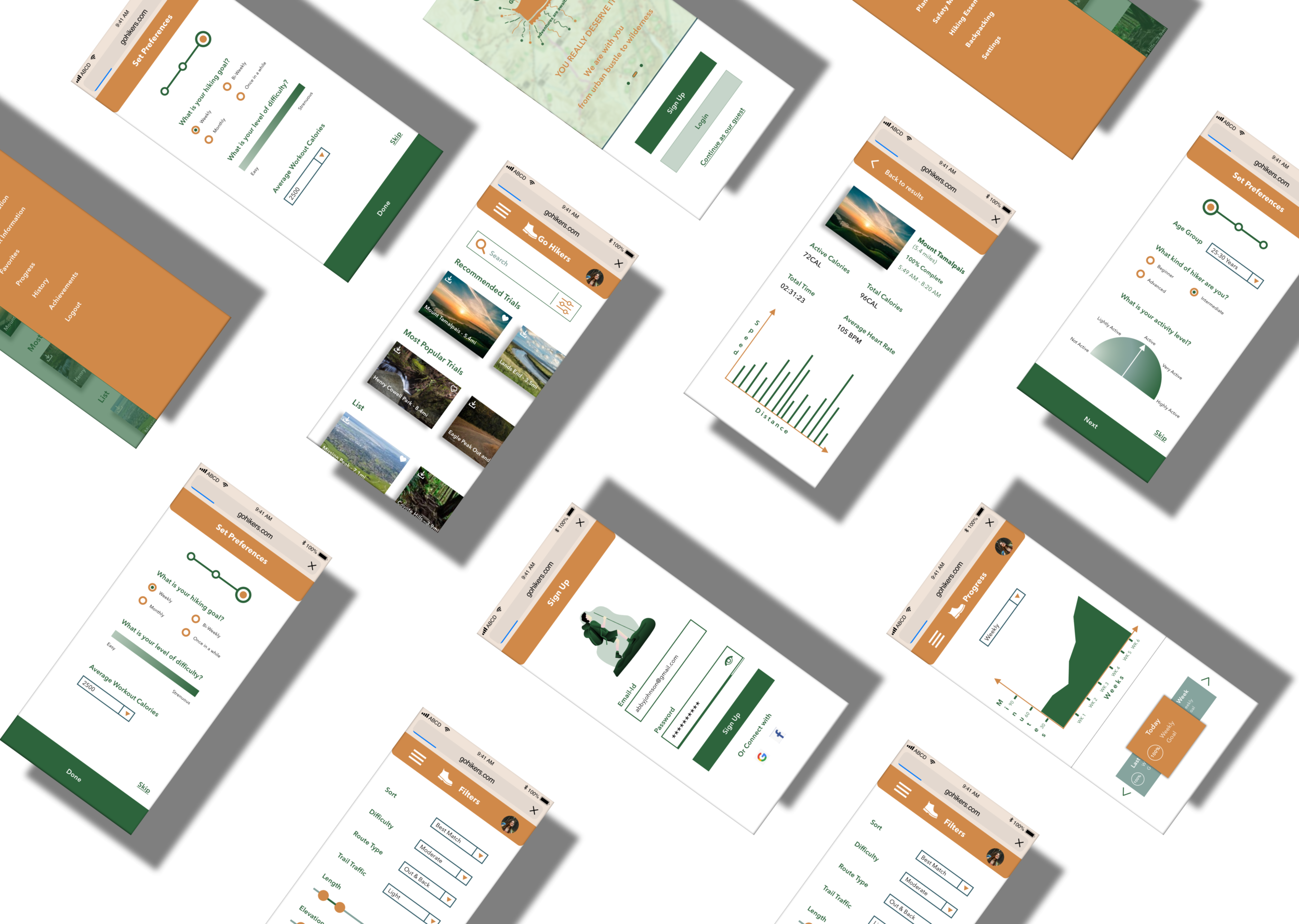
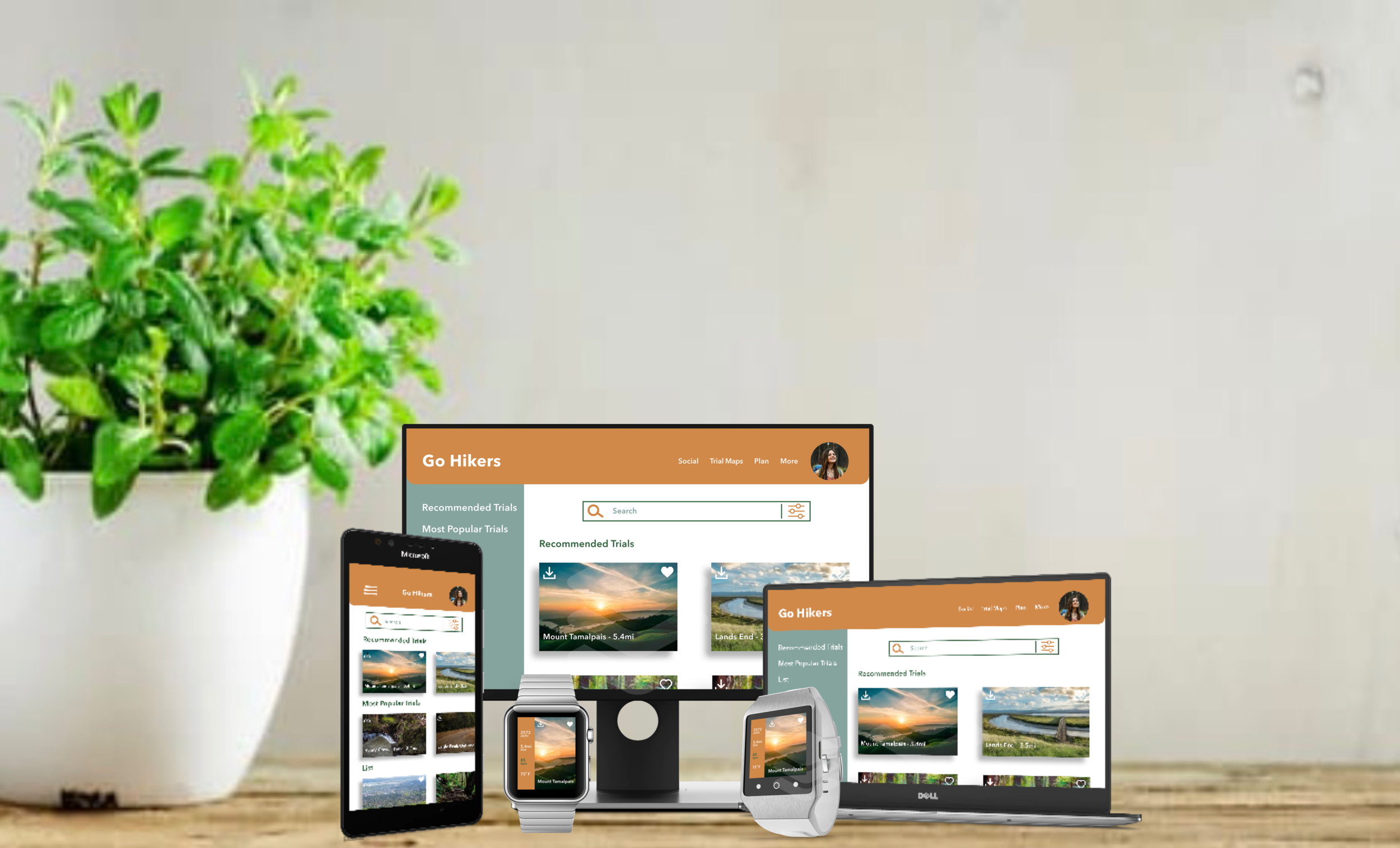
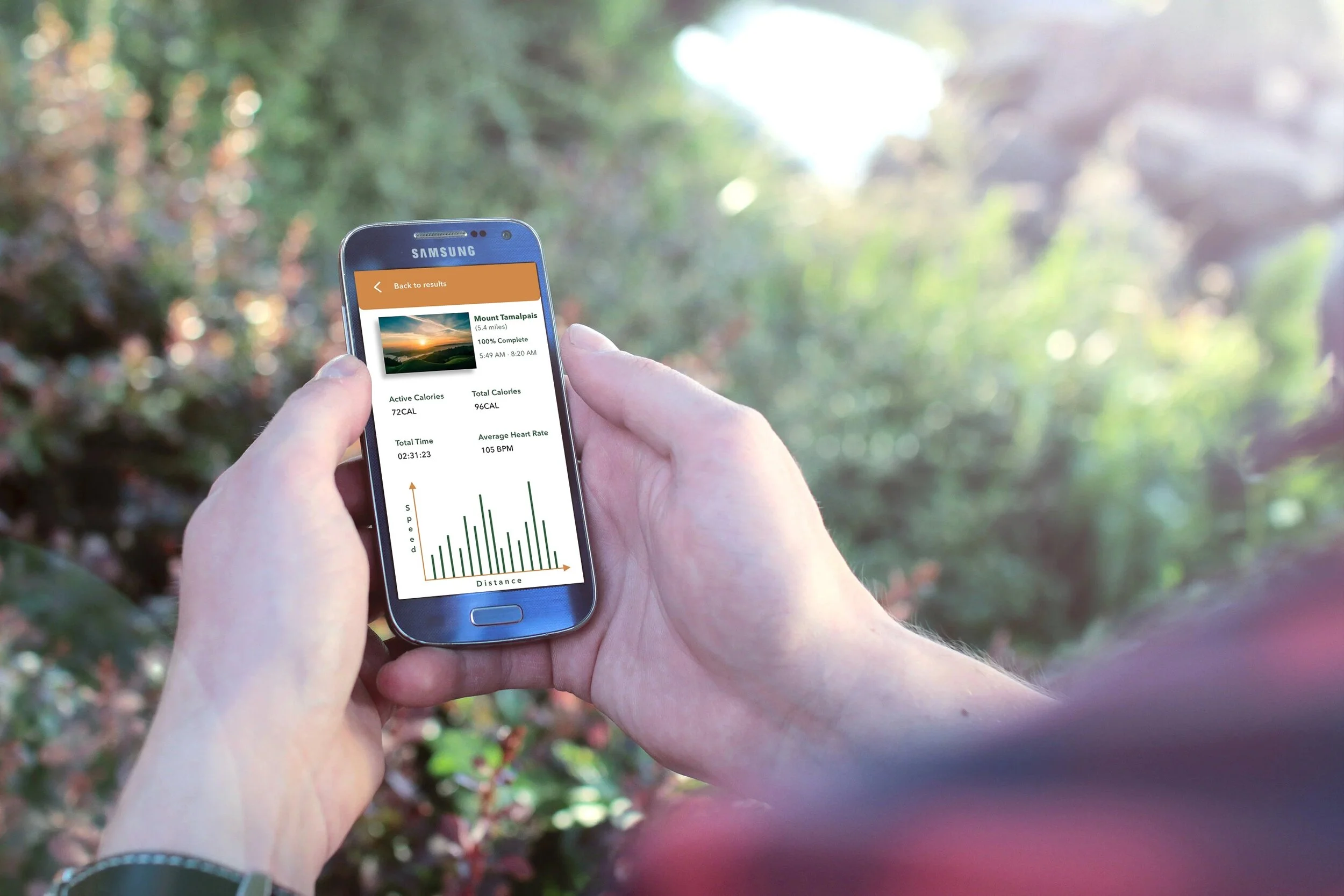
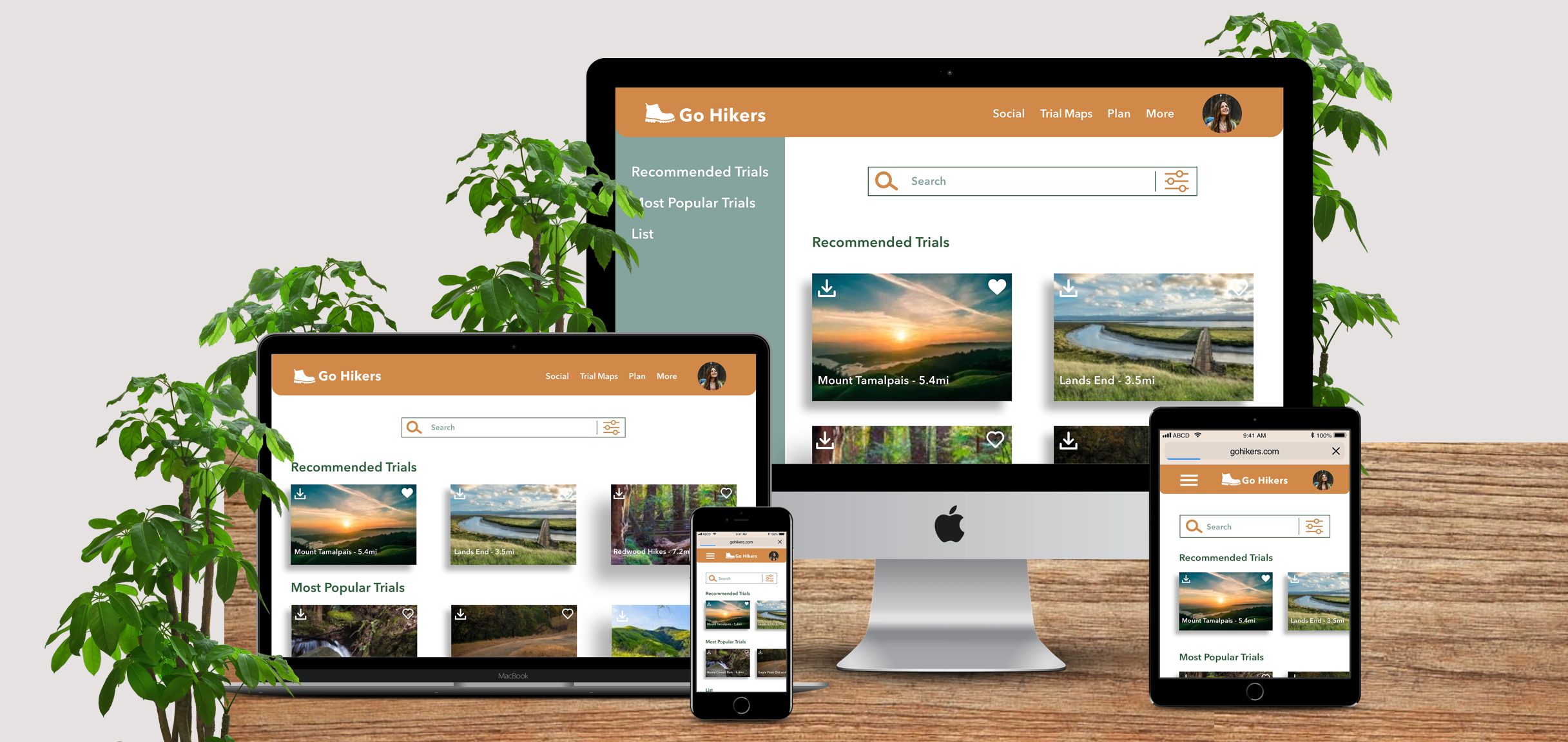
Go Hikers is a hiking app that I have designed out of my interest and passion for enjoying nature. This app is created for all the outdoor enthusiasts, whoever likes to hike. This is a responsive web app, and hikers can use it efficiently, no matter where they are. The recommendations, popular, saved, and completed trials help hikers to search and find trials easily according to their will. The graphs, rewards, and achievements help and keep hikers motivated all the time.
Design Methods:
User research, persona creation, user stories, wireframes, moodboards, style guides, A/B preference testing, mockups, animations, and prototypes.
Tools Used:
Sketch, Illustrator, Photoshop, Principle, Pen & Paper, Keynote, and Usability Hub.
The Challenge
“Is there any other way to drive the users to the most amazing experience through the hike.”
“Is there any other app that is easy to use with perfect preference options?”
Challenge Accepted
All the apps are offering limited options for preferences and are common, not specific to hiking.
I wanted to offer the hikers with perfect preference options, which they can use to find a trial that matches best.
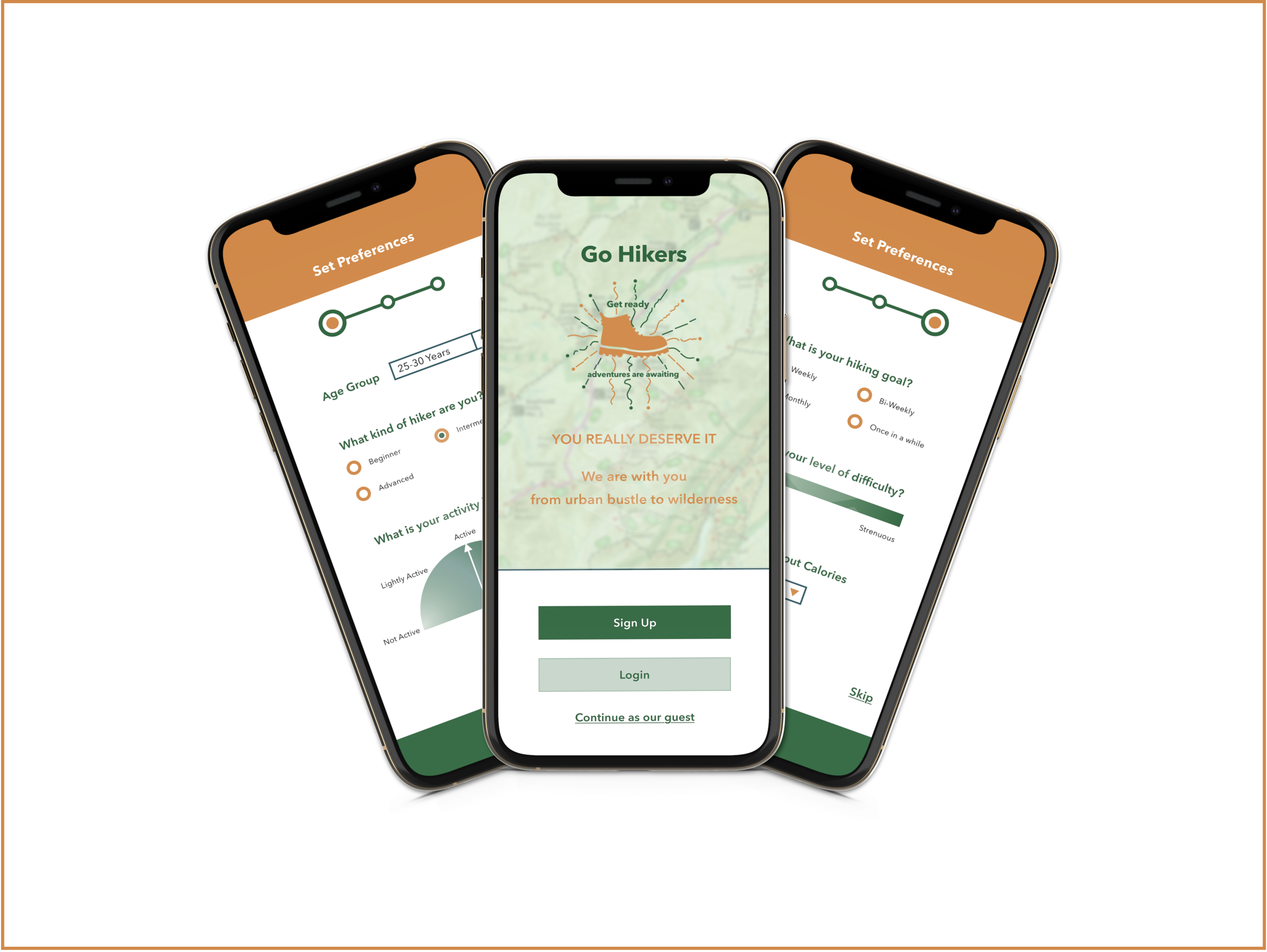
Ideation
As part of the project, basic research work was provided to me. So, I started my work with the ideation process. I moved on with my work by crafting the user persona, user stories, and iteration of wireframes.
Persona
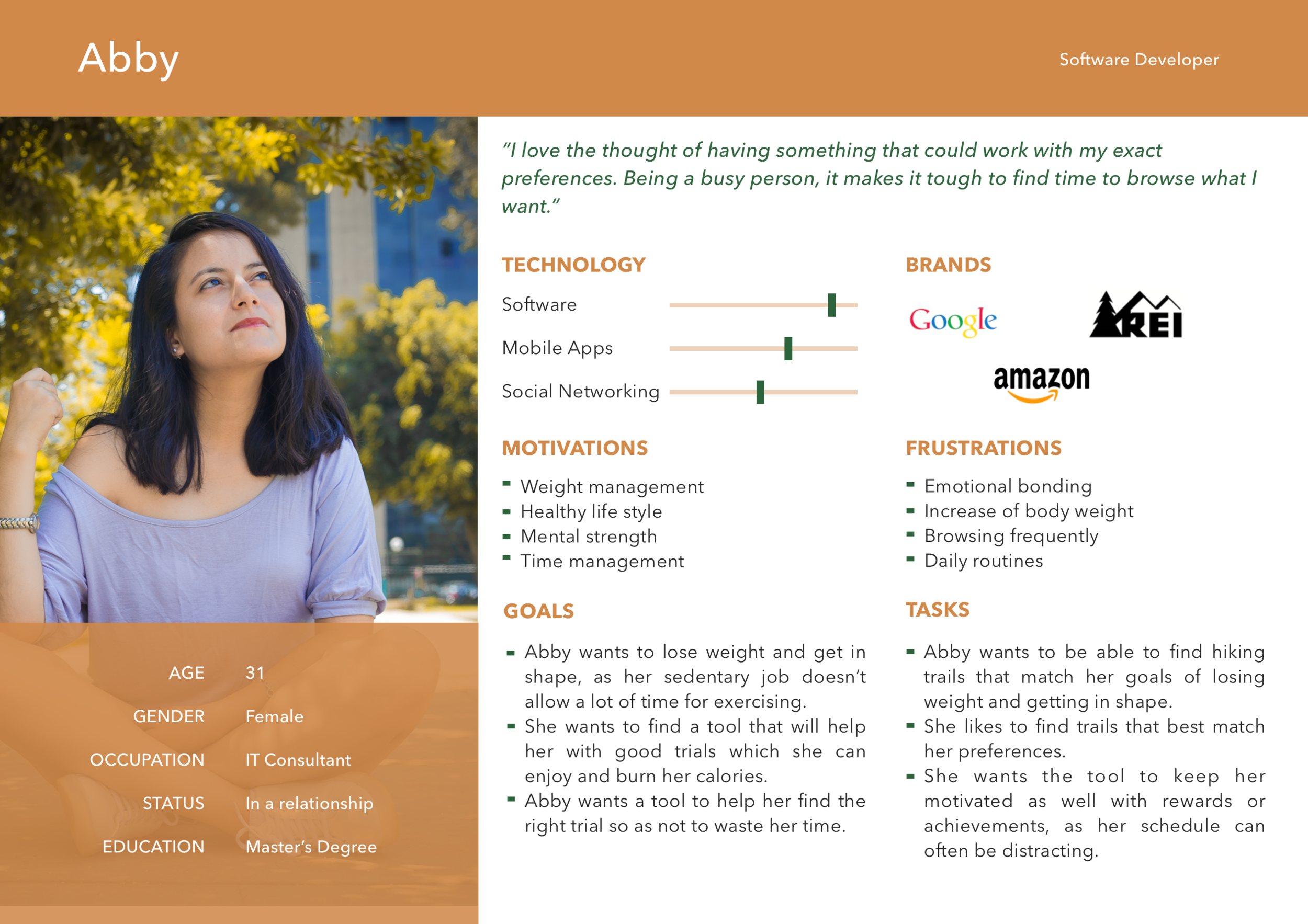
User Stories
“As a hiker, I want to learn about different hiking trails, so that I can figure out what is best for me.”
“As a frequent hiker, I want to explore the trails according to my preferences, so that I can save some time over browsing.”
“As a frequent user, I want to track my progress regularly, so that I know what I did till now, and how much I need to do to reach my goal.”
“As a frequent user, I want to be able to earn achievements or rewards, so that I can stay motivated.”
“As a frequent hiker, I want to track progression and track what I have done, so that I can see my progress over time.”
“As a frequent user, I want to be able to share routines with my friends who may also be interested, so that I can encourage them to become healthier.”
Wireframes
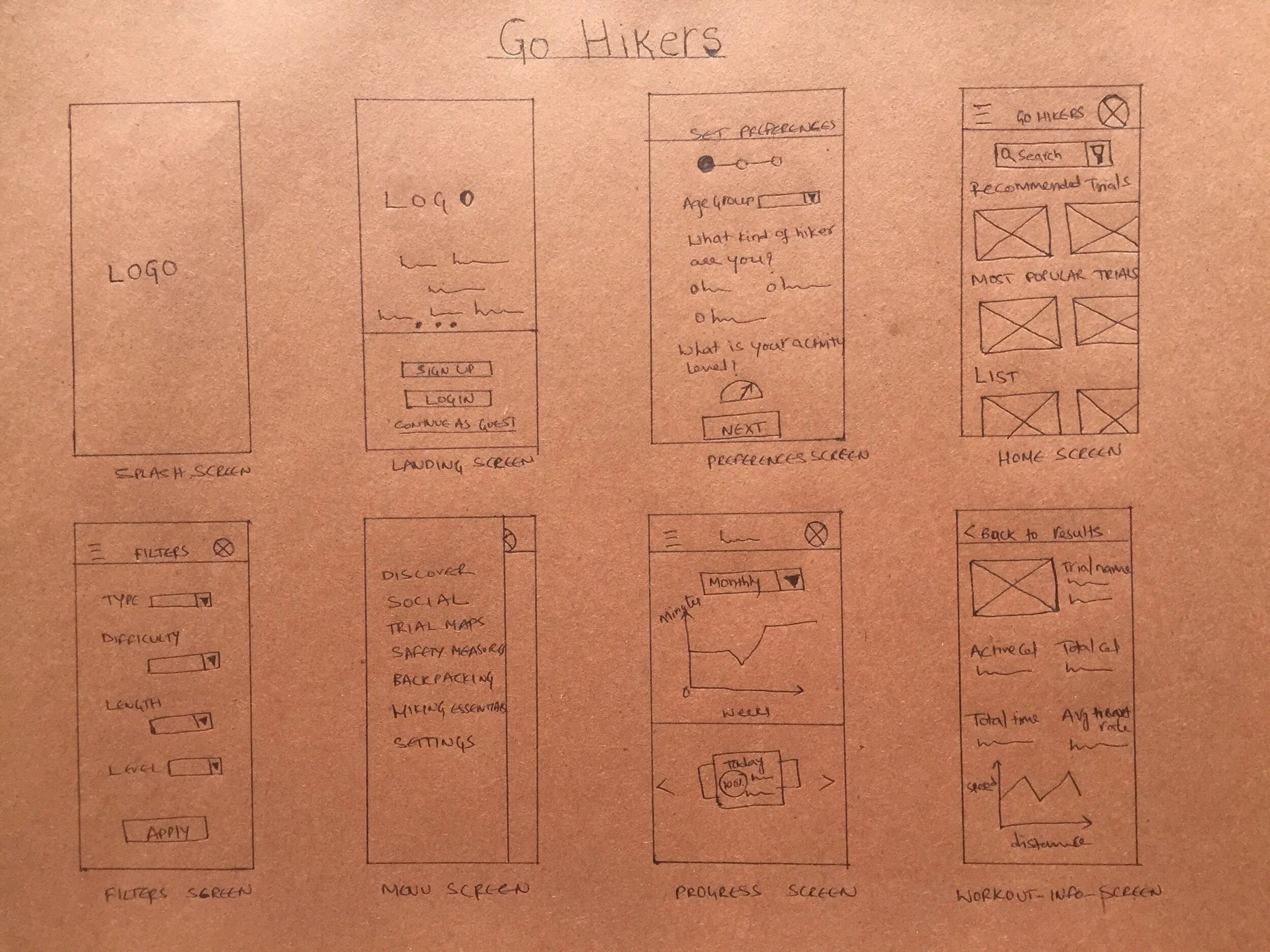
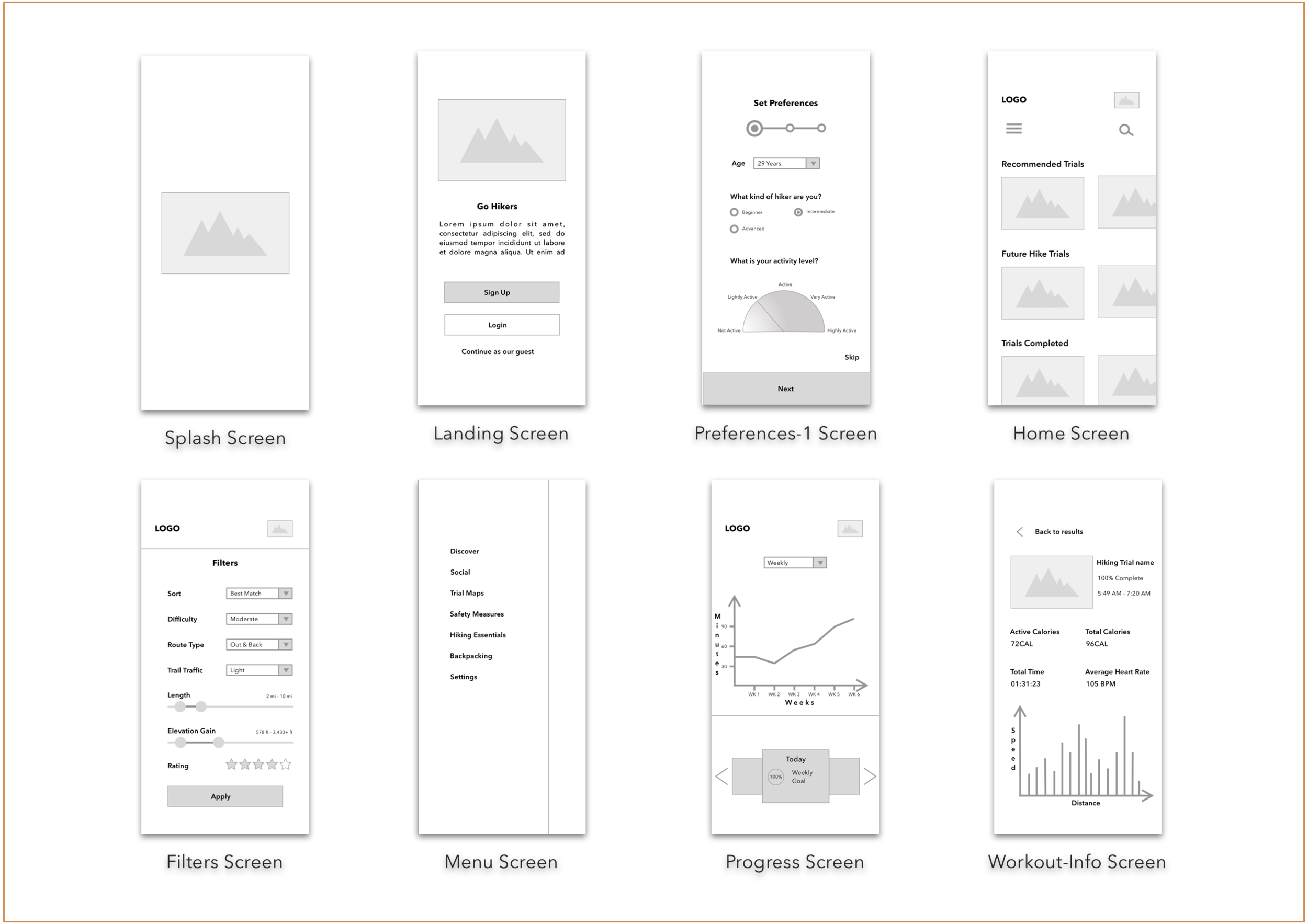
With the basic structure in place, now I have sketched the low-fidelity wireframes. They have begun as rough sketches by using pen and paper. From here onwards, the journey continued to the mid-fidelity wireframes. Where the wireframes are digitalized, the place holder text is added, and grids and spacing were taken care of.
Low-Fidelity Wireframes
Mid-Fidelity Wireframes
Moodboards
Style Guide
A/B Preference Testing
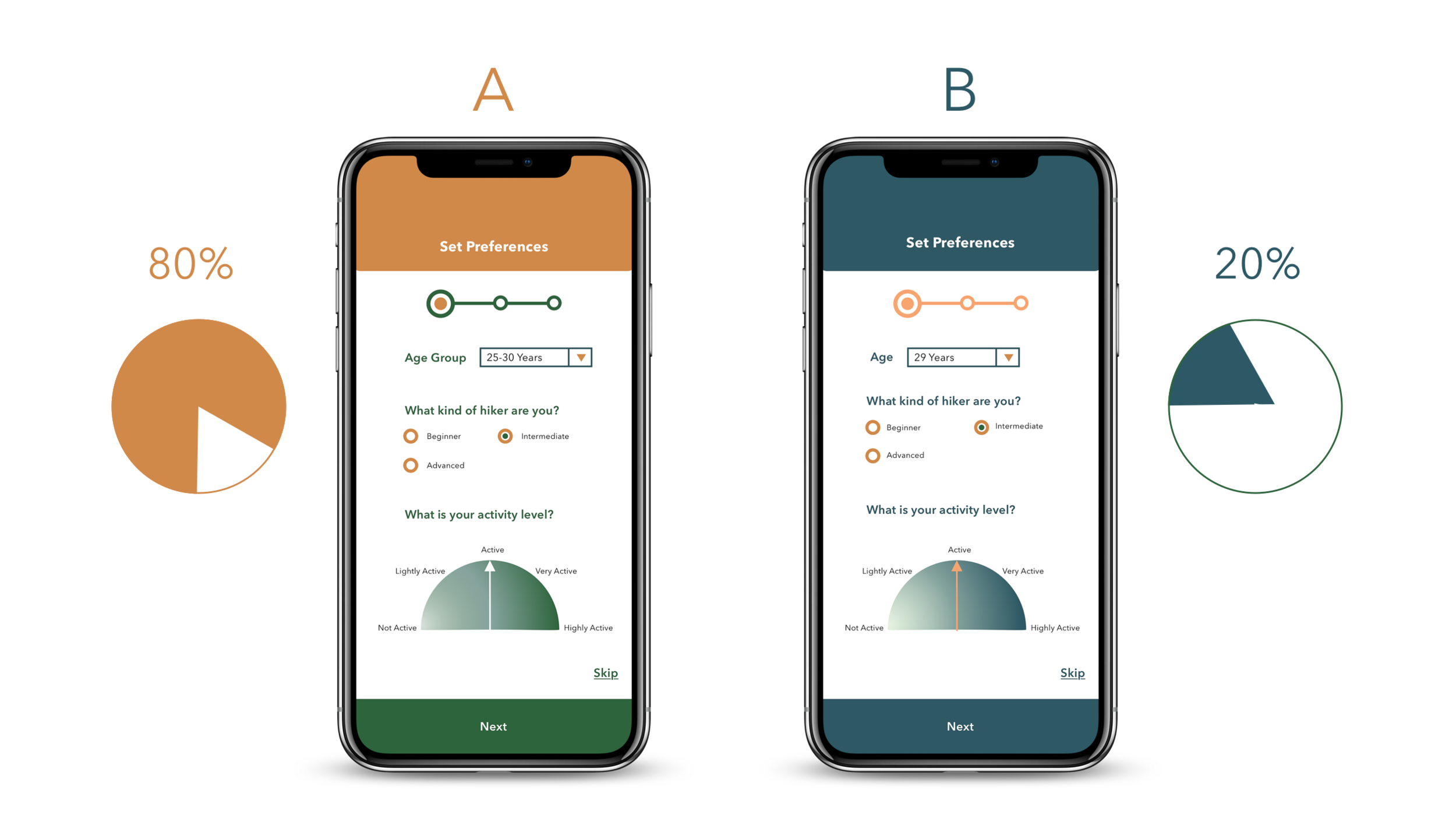
Now, I have screens with two color variations and not pretty sure which one to choose to move on further. So, I decided to run an A/B Preference testing and see which one most of the users would prefer.
High-Fidelity Wireframes
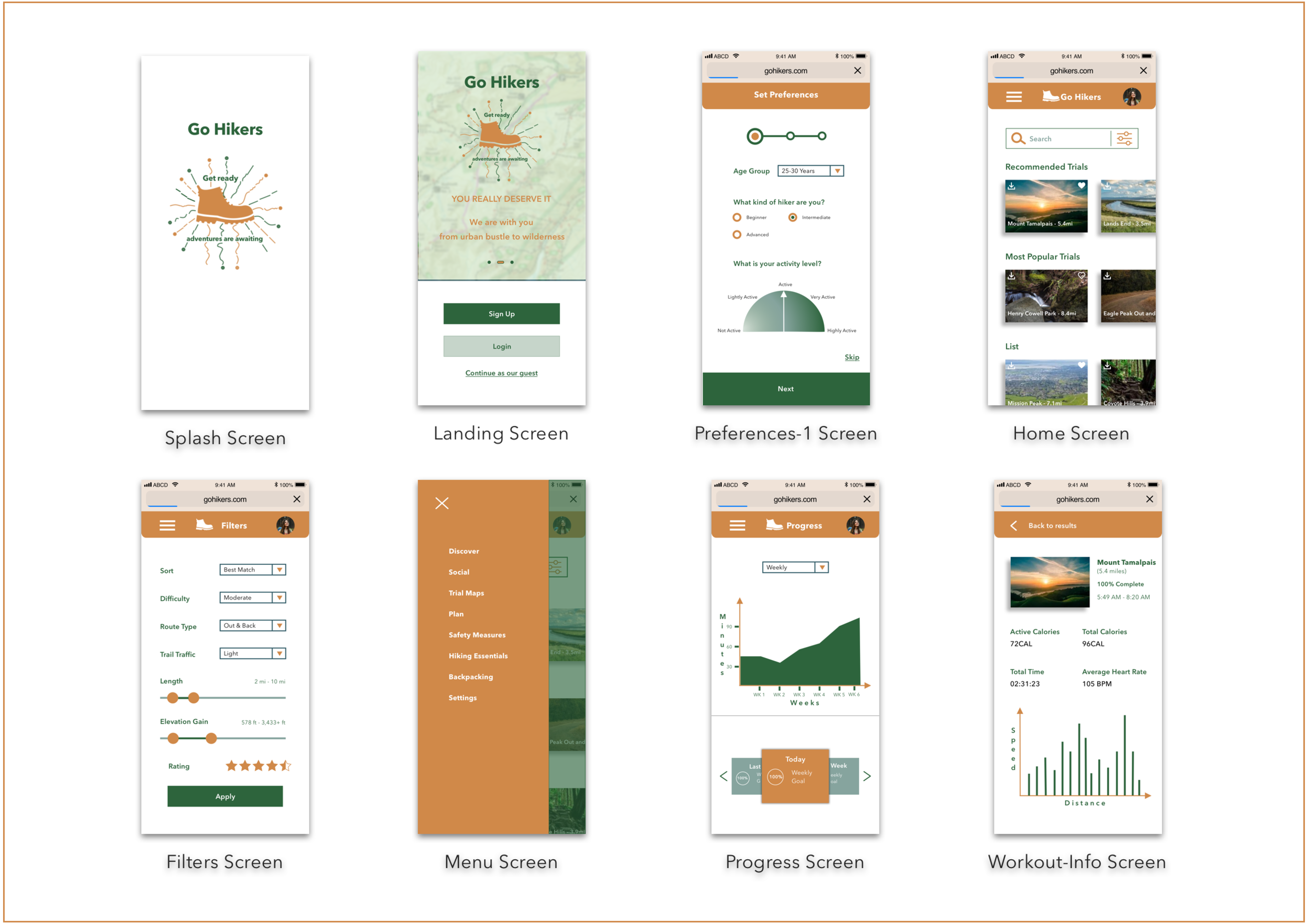
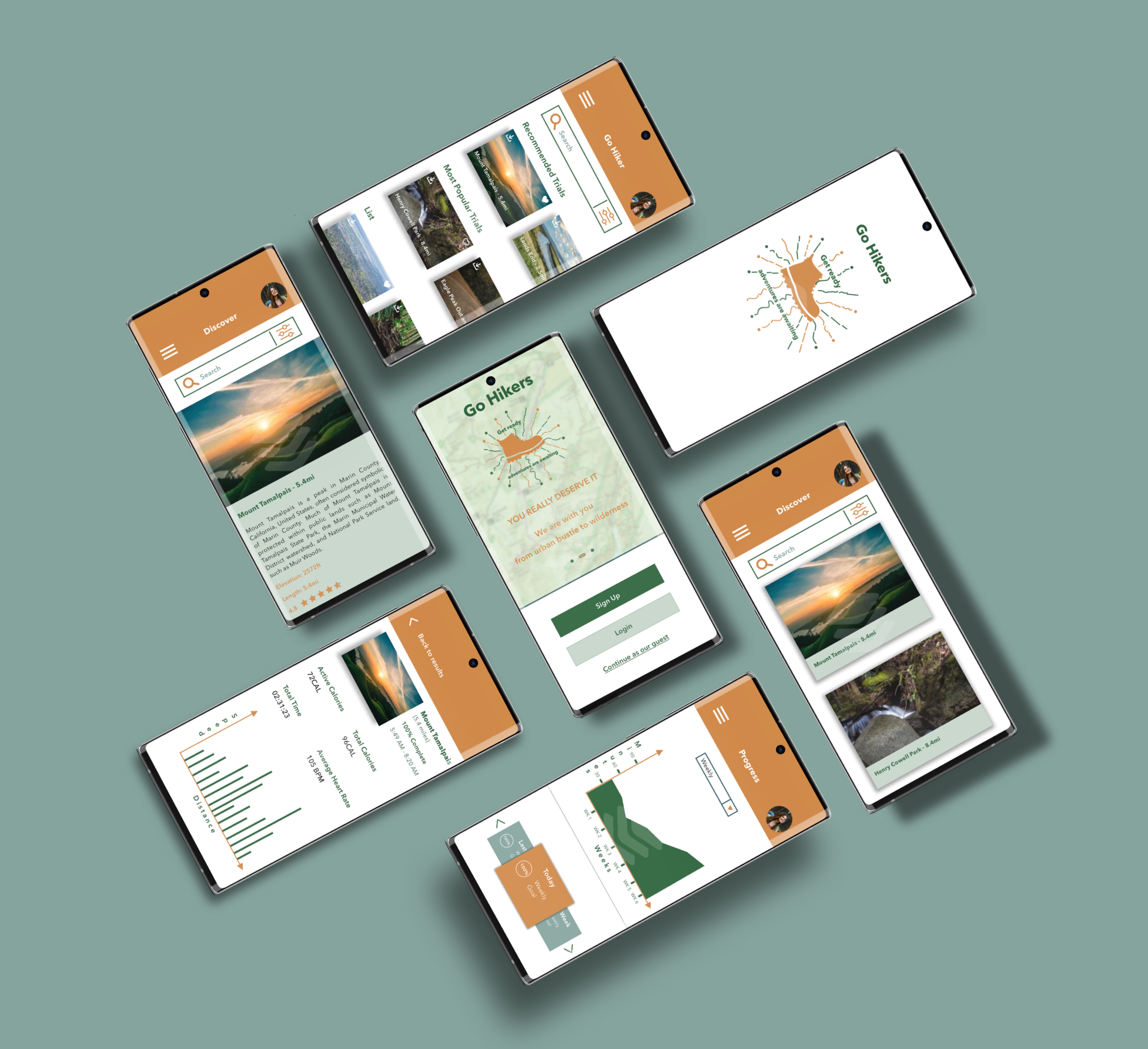
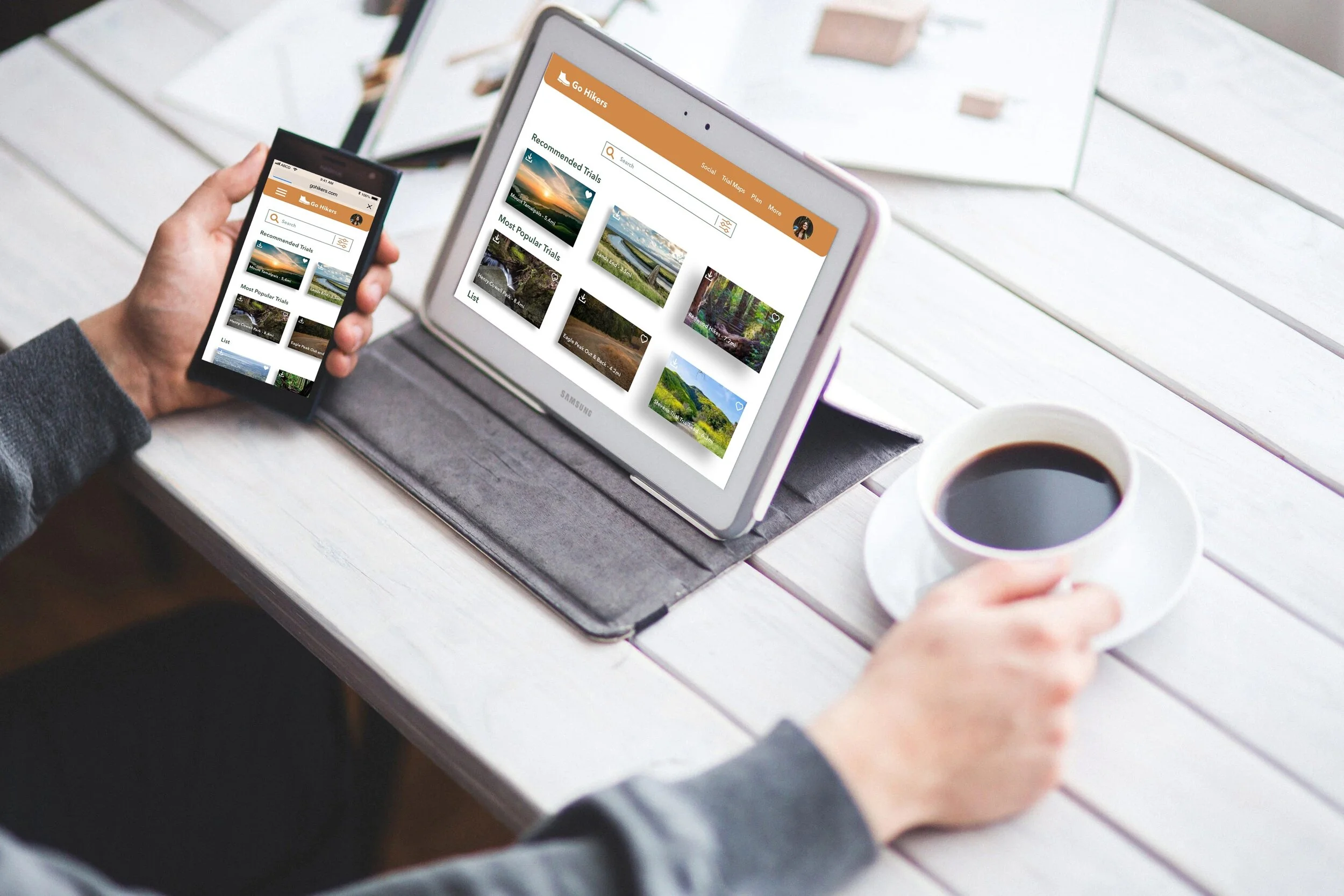
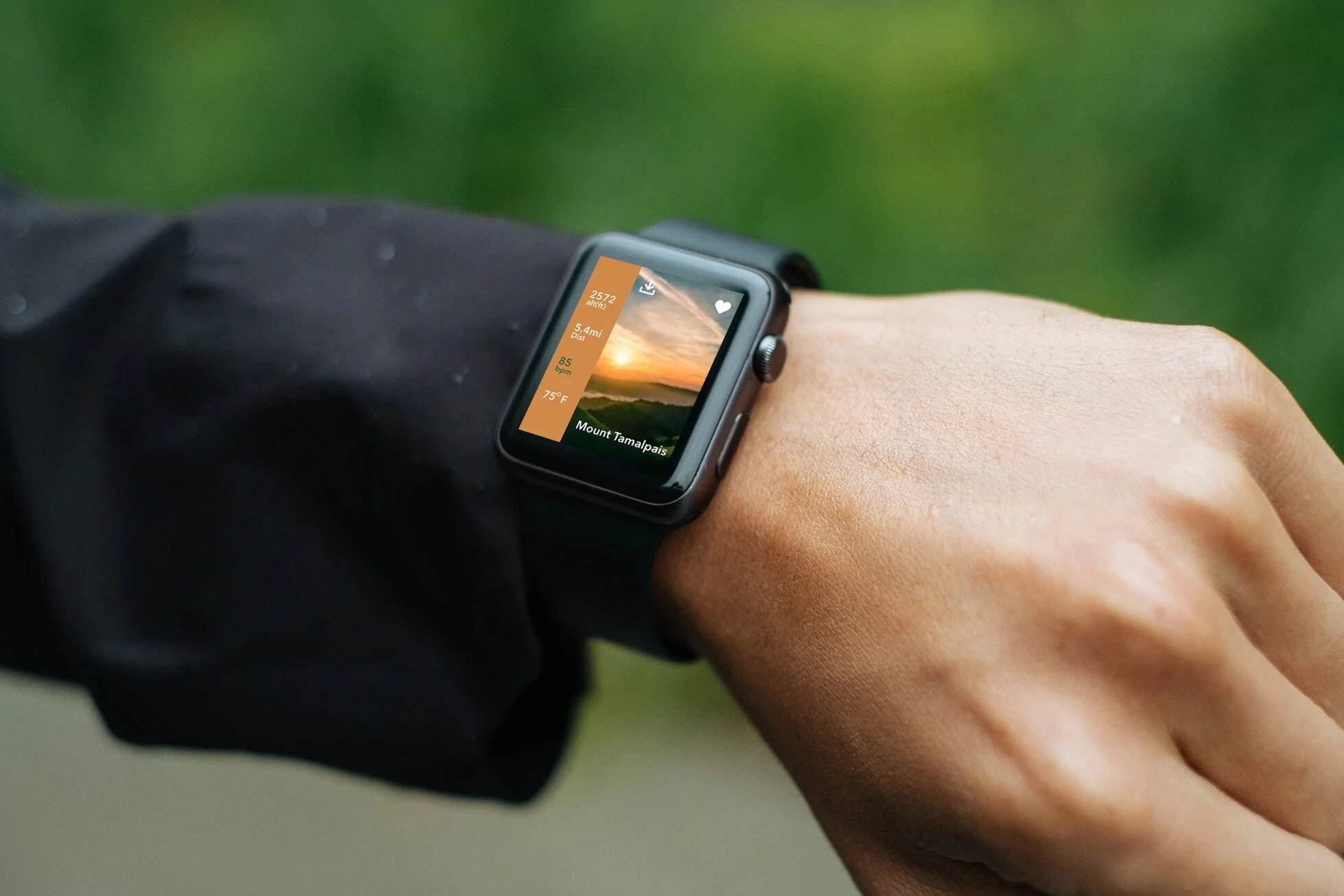
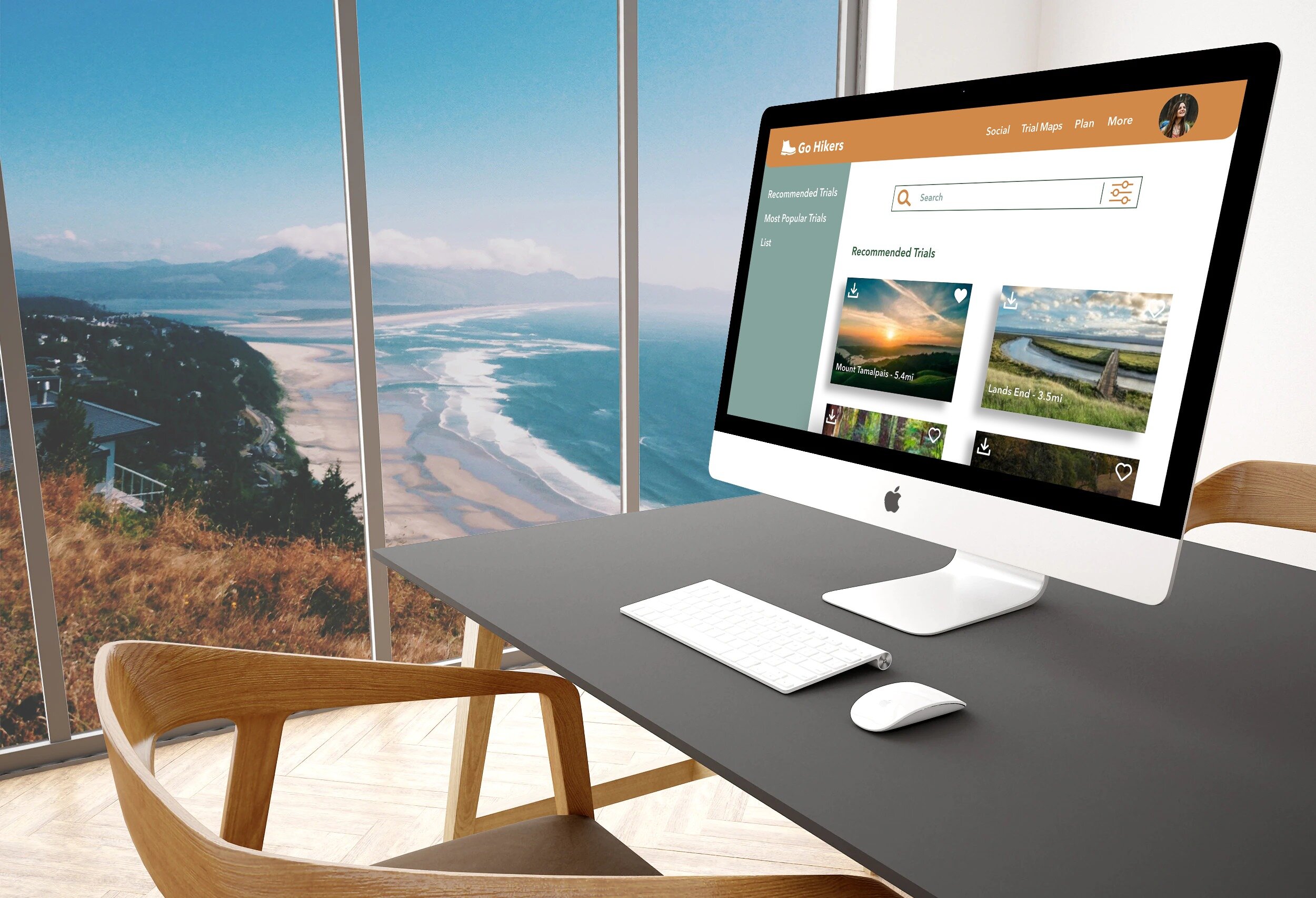
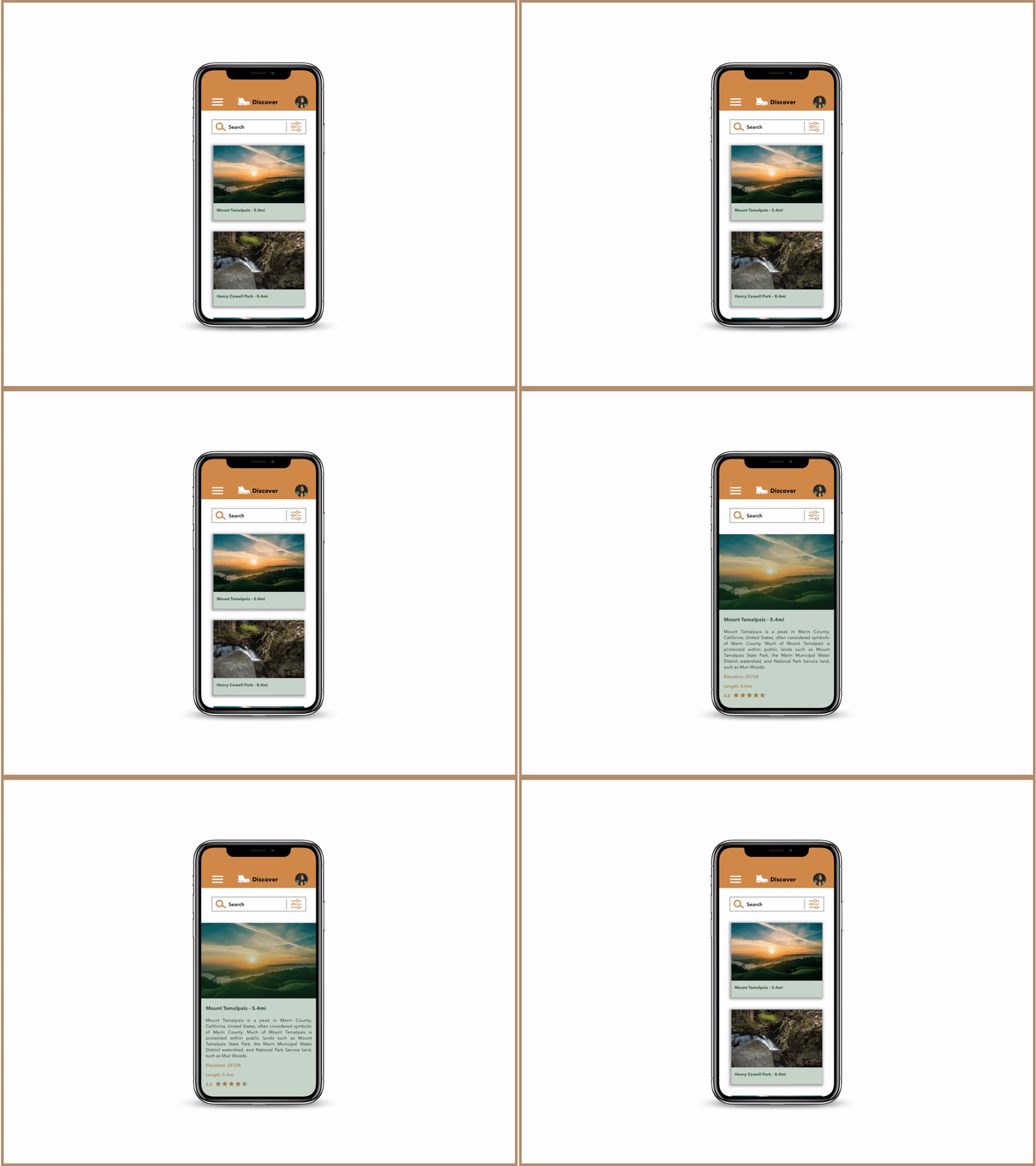
After running the A/B preference test which is based on the colors, I prefer to move with the test results that is screen A. Now, I finalized my colors and everything needed for my app, and now my high-fidelity wireframes are ready for a show-off. Which lead me a way to go further and craft the mockups.

Retrospective
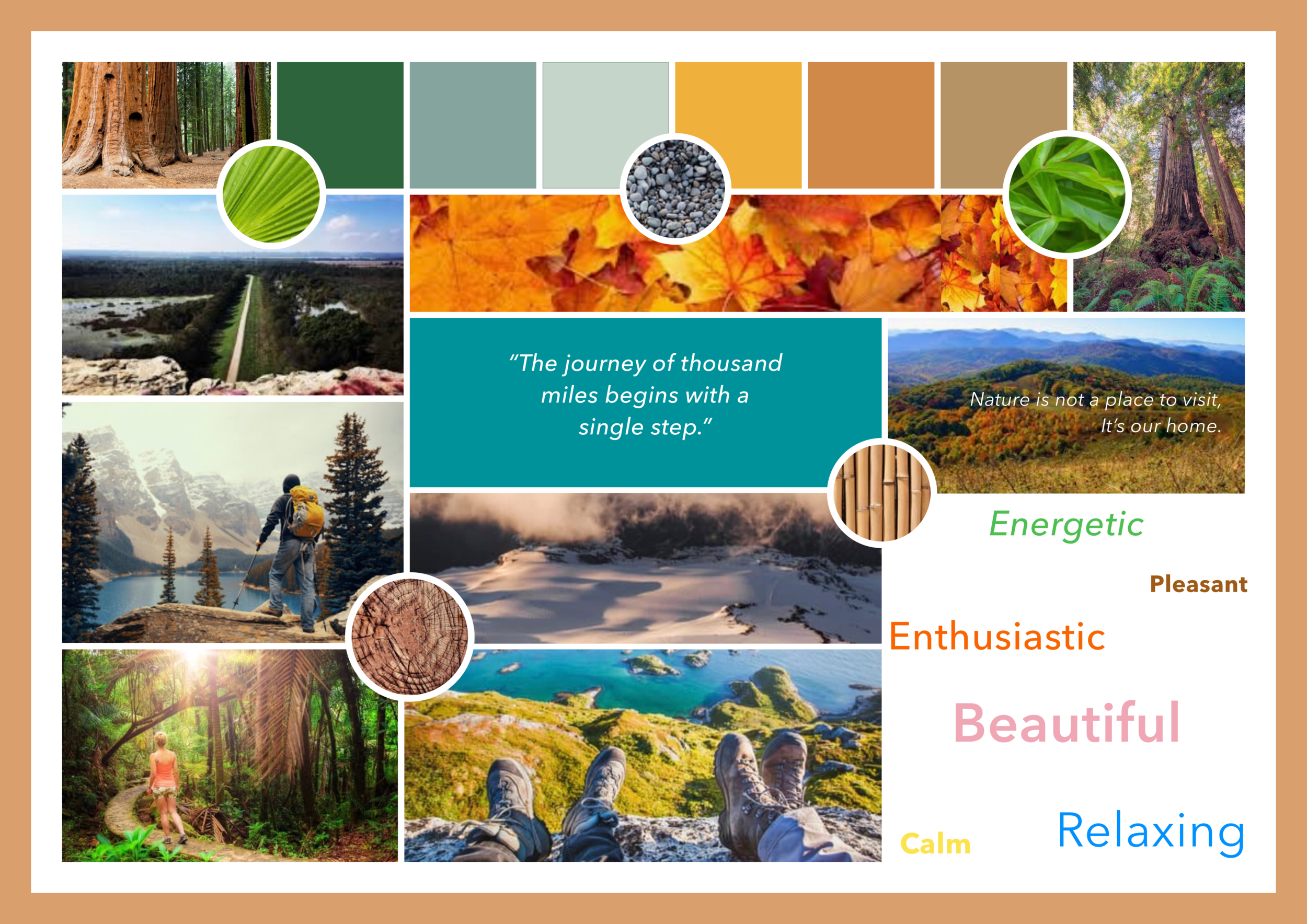
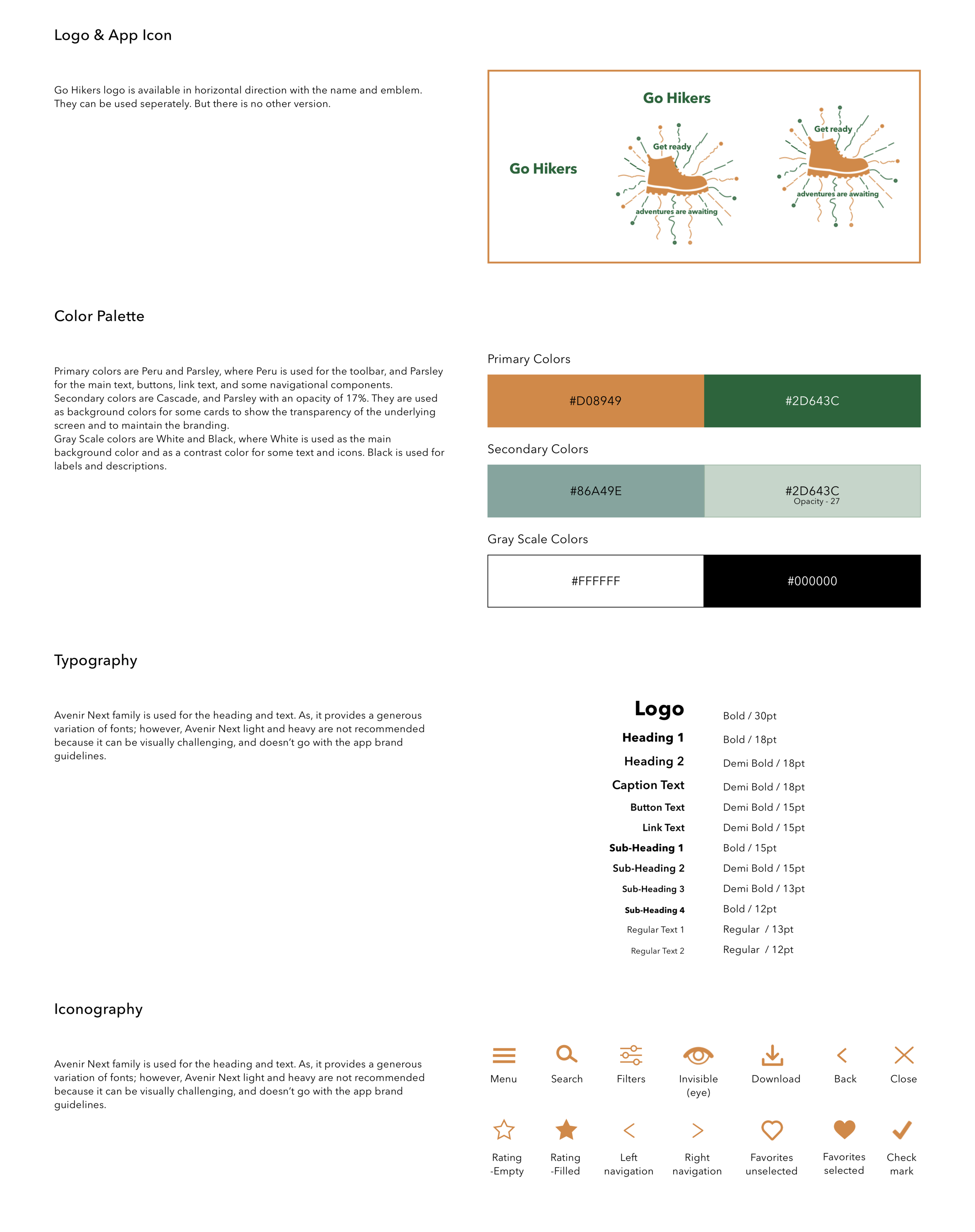
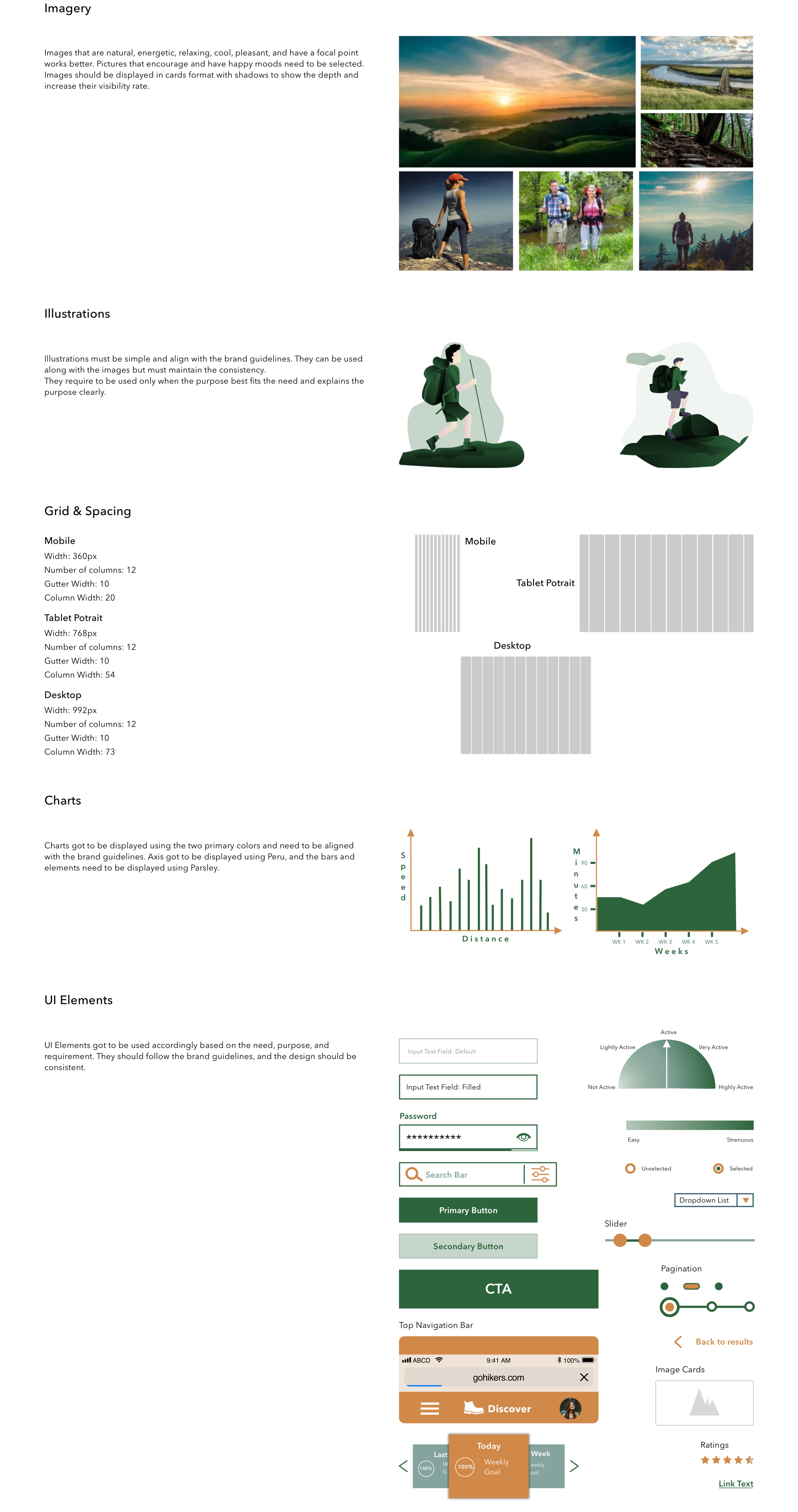
I had fun while working on this project. My passion for and the knowledge of hiking helped me to hop the basic research required. I crafted the personas, which helped me with the goals, motivations, tasks, and frustrations, I need to take care of while moving ahead in the project. Moodboards I defined helped me to set the style guide of the app. The preference testing supported me to choose my colors when I'm in dilemma. I improved my visual design skills by the end of the development. I began learning Photoshop and Principle during project development.