
Bilinguapp
Language learning is never easy before this app!
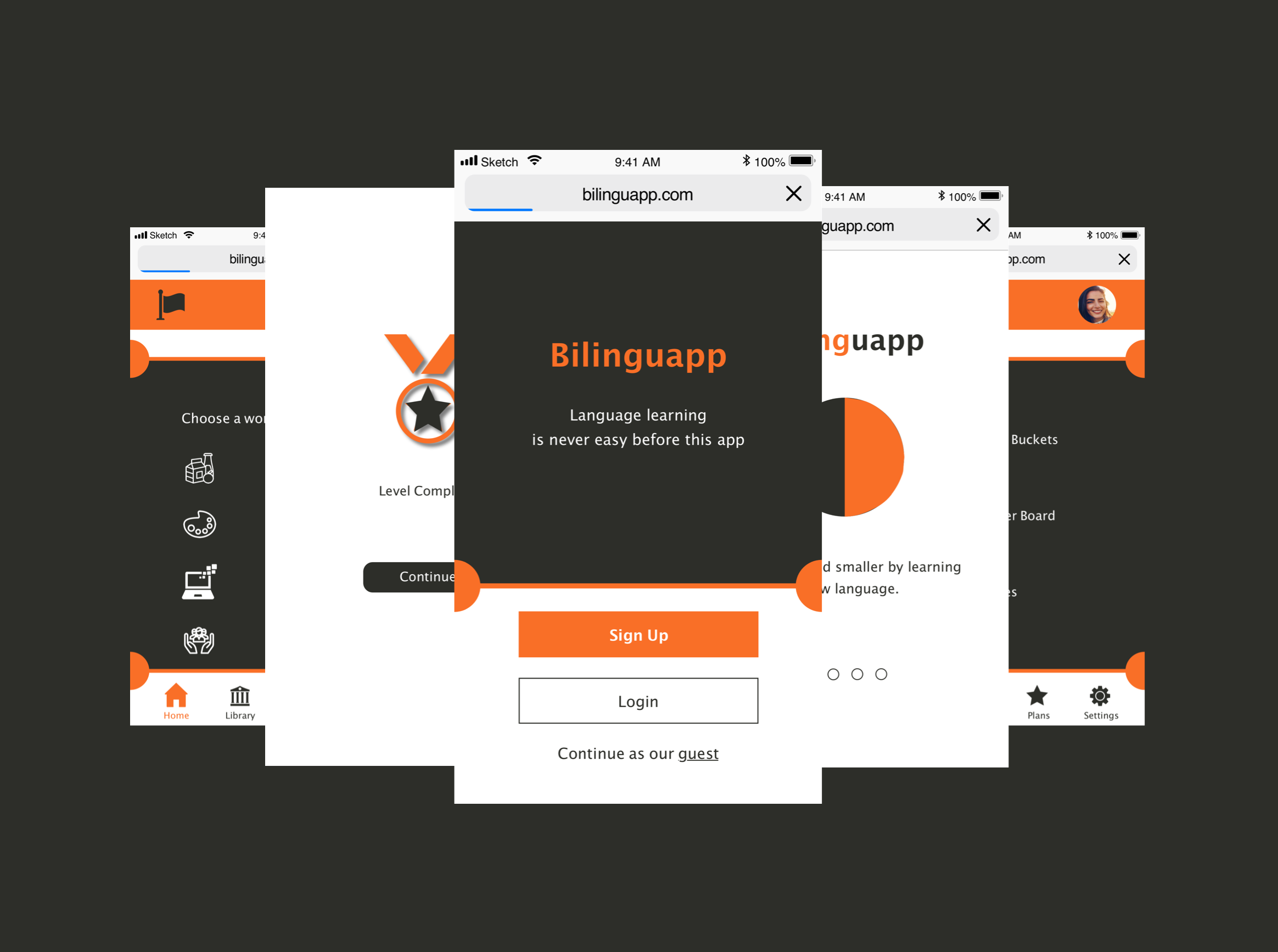
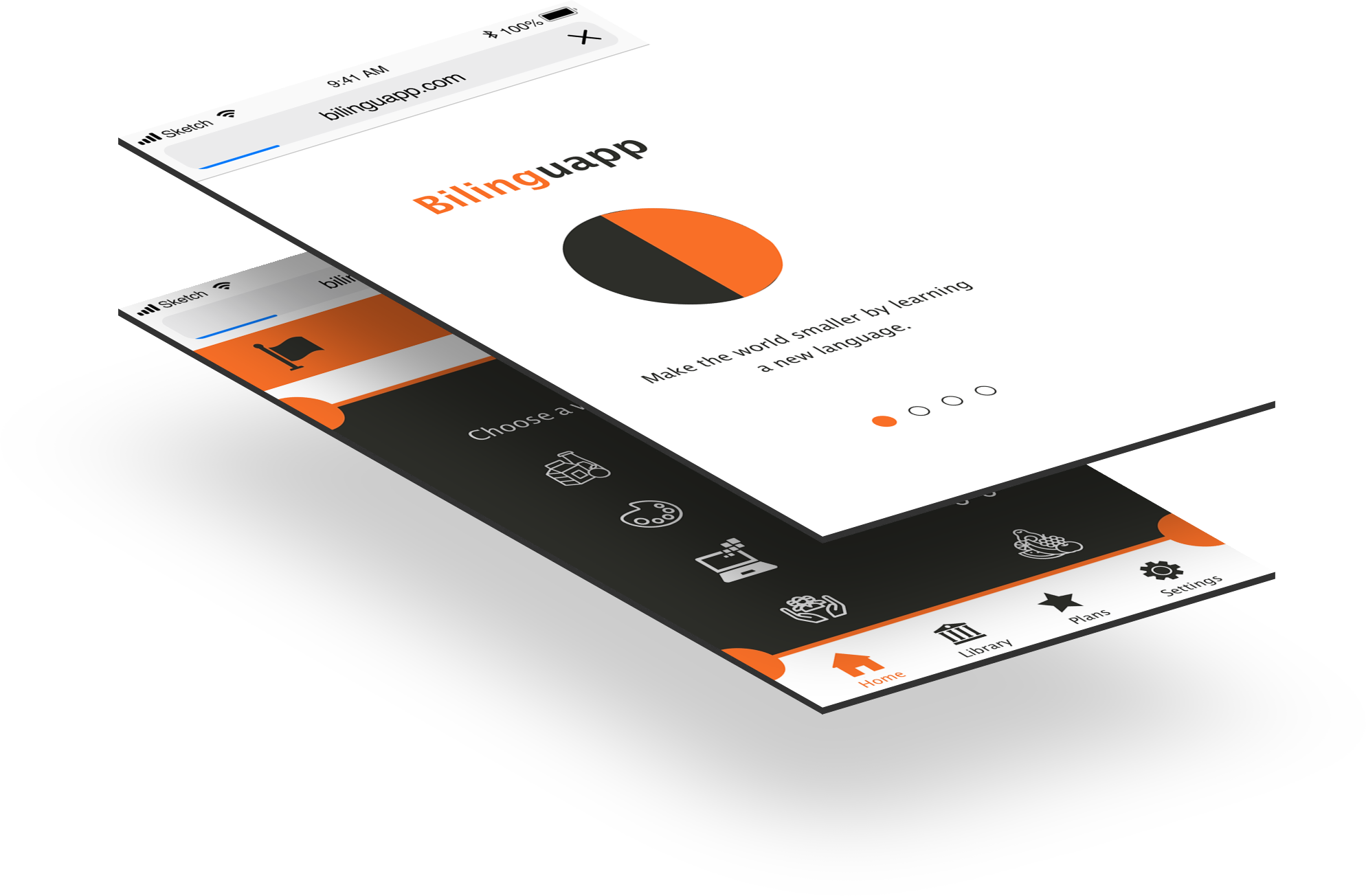
Bilinguapp is a language learning app that I have developed as part of my Career Foundry UX design course. Bilinguapp is a simple and easy to use language learning app. This app helps the users learn the language in a fast and fun way. It leaves users with a great positive experience and helps to know where one stands in learning a language and encourages them to continue.
Overview
Contribution:
Research, user interviews, persona creation, user stories, job stories, user flows, wireframes, moodboards, usability testing, mockups, and rapid prototyping.
Tools used:
Sketch, Prottapp, Pen & Paper, Proto.io, Zoom, Keynote, and Adobe Photoshop
The Challenge
As there are a pretty good number of language learning apps in the market, but only a handful of them are useful, fast, and easy for users to learn chaos-free. Even though there are a few apps that are pretty customizable, but are not helping the users to be distraction-free.
Challenge Accepted
Learning an unknown language is a mundane chore. So I feel it as essential to do thorough research of the competitors. I want to know the pros and cons of the apps, in the same space, and do some user interviews to get some insights. So, I can design the best experience and features through the app to my stakeholders that are easy to use and distraction-free.
Approach
I started designing the app, after doing thorough research. I did competitive research to know the pros and cons of the apps, in the same space, and did some user interviews to get some insights.
Observations and Insights
Competitive Research
User Interviews
After doing my competitive analysis, I came to know the space where my app fits. Before designing the app, I would like to know the users’ perspective using empathy;
like what the users want?
What are they missing?
What are the likes, dislikes, and pain points?
So, I decided to move forward with the user interviews. I interviewed the people who are in the same space of language learning.
Ideation
Persona
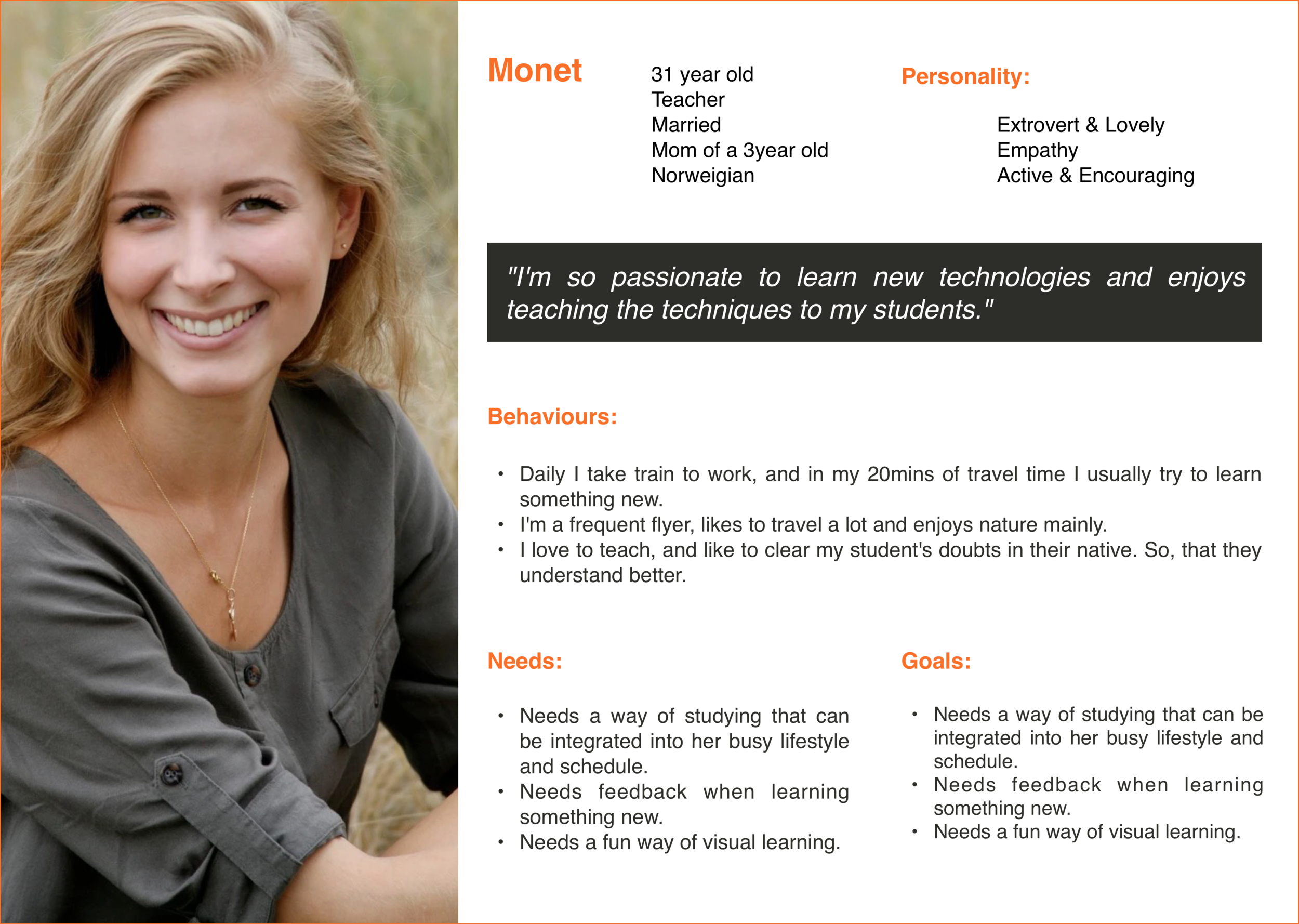
From all my initial research, I created a primary persona: Monet, a working professional who is looking forward to changing a new job, in another country. Also the user stories and job stories for determining the apps information architecture.
User Stories
As a busy person, I want to learn in brief lessons on my mobile to efficiently use my time, so that I'll fit into my daily routine.
As a frequent traveler, I would like to learn enough of a foreign language, so that I can talk to the local people and explore the places local way.
As a teacher, I want to clear my student doubts in their native language. So that they can better understand the subject.
Job Stories
When I talk to my students, I want to be well understood, so that I can better clarify their doubts without any misunderstandings.
When I am traveling to and from work, I want to learn the language vocabulary, so I can spend this time wisely.
When I use the app, I like to see the pictures for words, so I can commit them to memory.
Revisiting the Problem Statement
Monet needs a way to learn the basics and jargon of the foreign languages of the countries she likes to visit because she wants to explore and enjoy her travel like a local.
User Flows
They helped me to determine the appropriate information architecture for the app, as well as developing a better understanding of the user’s needs and how the features would work. Here’s a user flow for the task “Start learning the basics and jargon in the language of interest.”
Wireframes
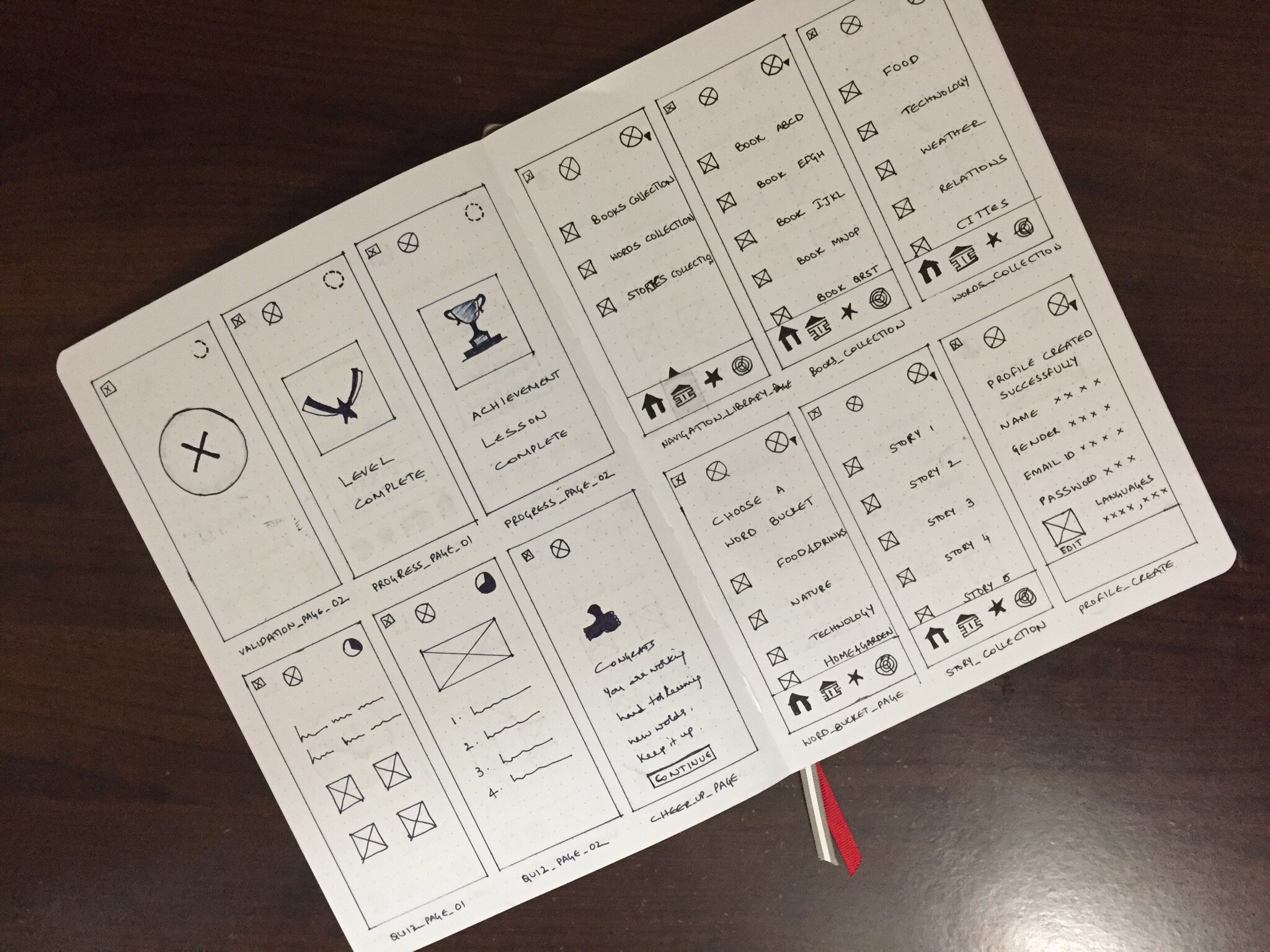
With all my research work done, I got the insight of how my app design should be, and I started sketching the draft and wireframes with pen and paper. Then I created the digital mid-fidelity wireframes.
Low-Fidelity Wireframes
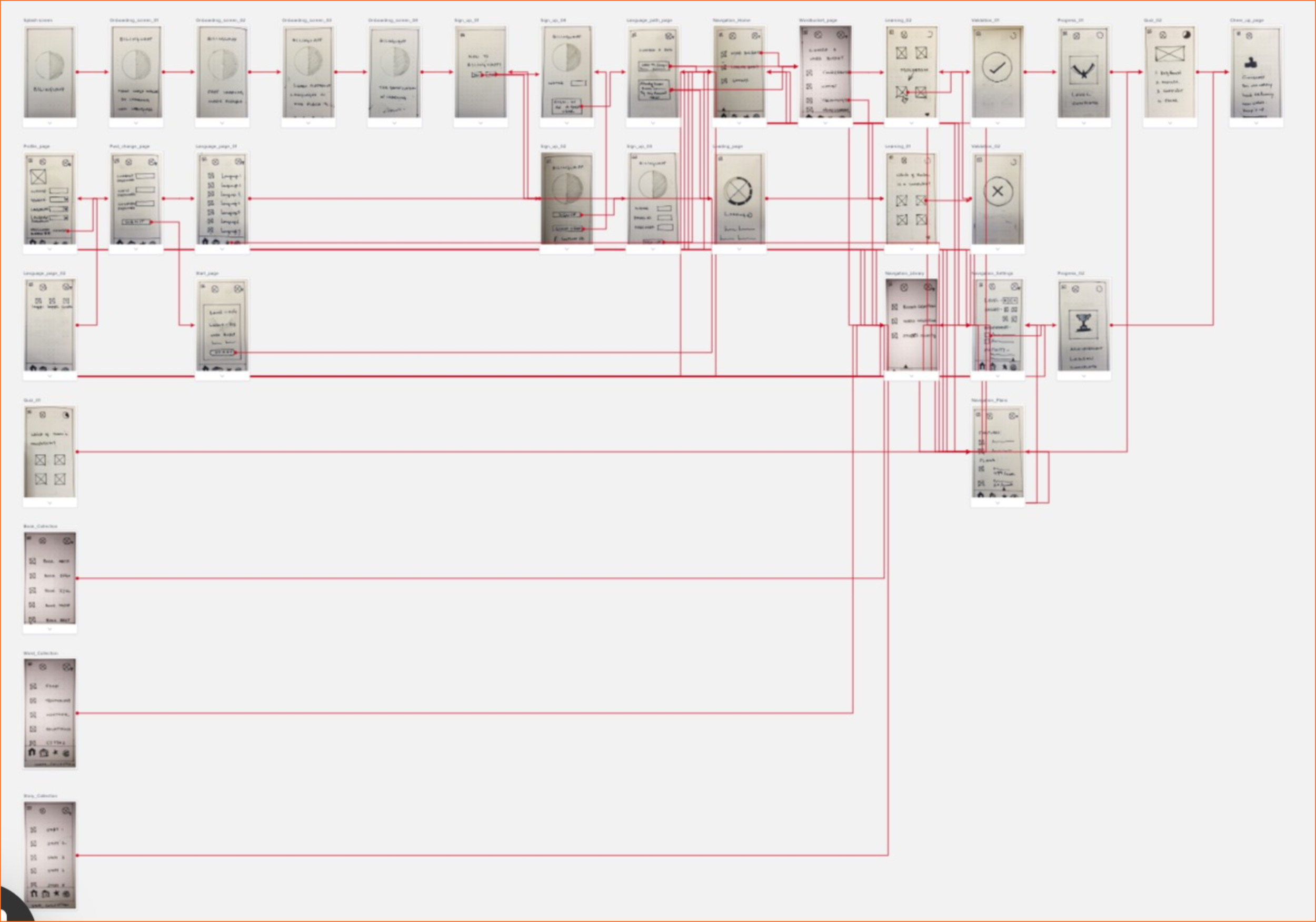
I put the low-fidelity wireframes to usability testing by creating a rapid prototype. I used Prott to create the prototype for the Bilinguapp.
Rapid Prototyping
This is the interaction-map for the Bilinguapp, which is low-fidelity rapid prototyping. This helped me to do the moderated in-person usability testing.
Usability Test Report
This report is based on the metrics: Jakob Nielsen’s error severity rating scale
0 - I don't agree that this is a usability problem at all.
1 - Cosmetic problem only: need not to be fixed unless extra time is available on the project.
2 - Minor usability problem: fixing this should be given low priority.
3 - Major usability problem: important to fix, so should be given high priority.
4 - Usability catastrophe: imperative to fix this before the product can be released.
Mid-Fidelity Wireframes
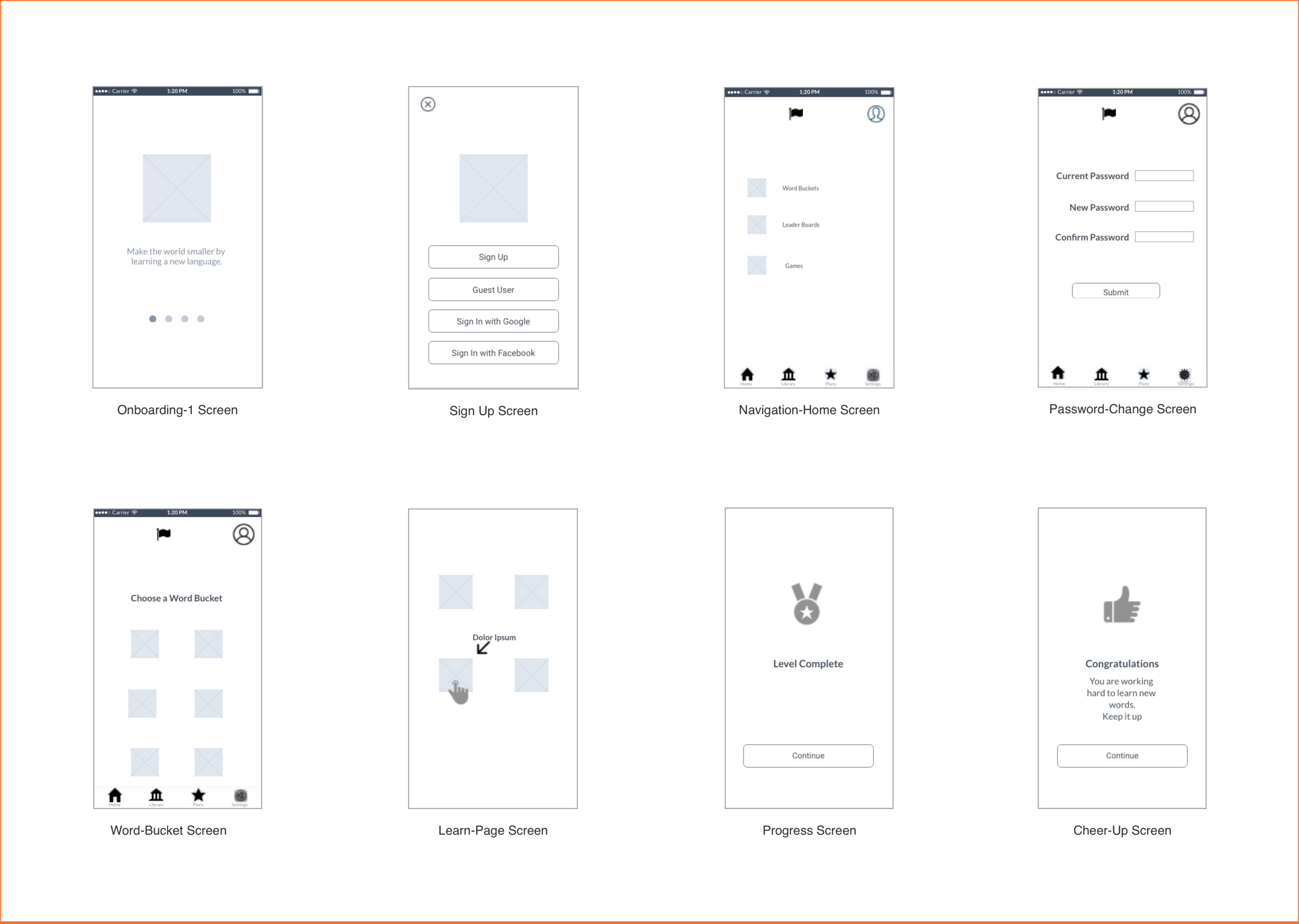
I created mid-fidelity wireframes using sketch, which gave me a chance to move onto the visual designing of the app.
Moodboard
High-Fidelity Wireframes
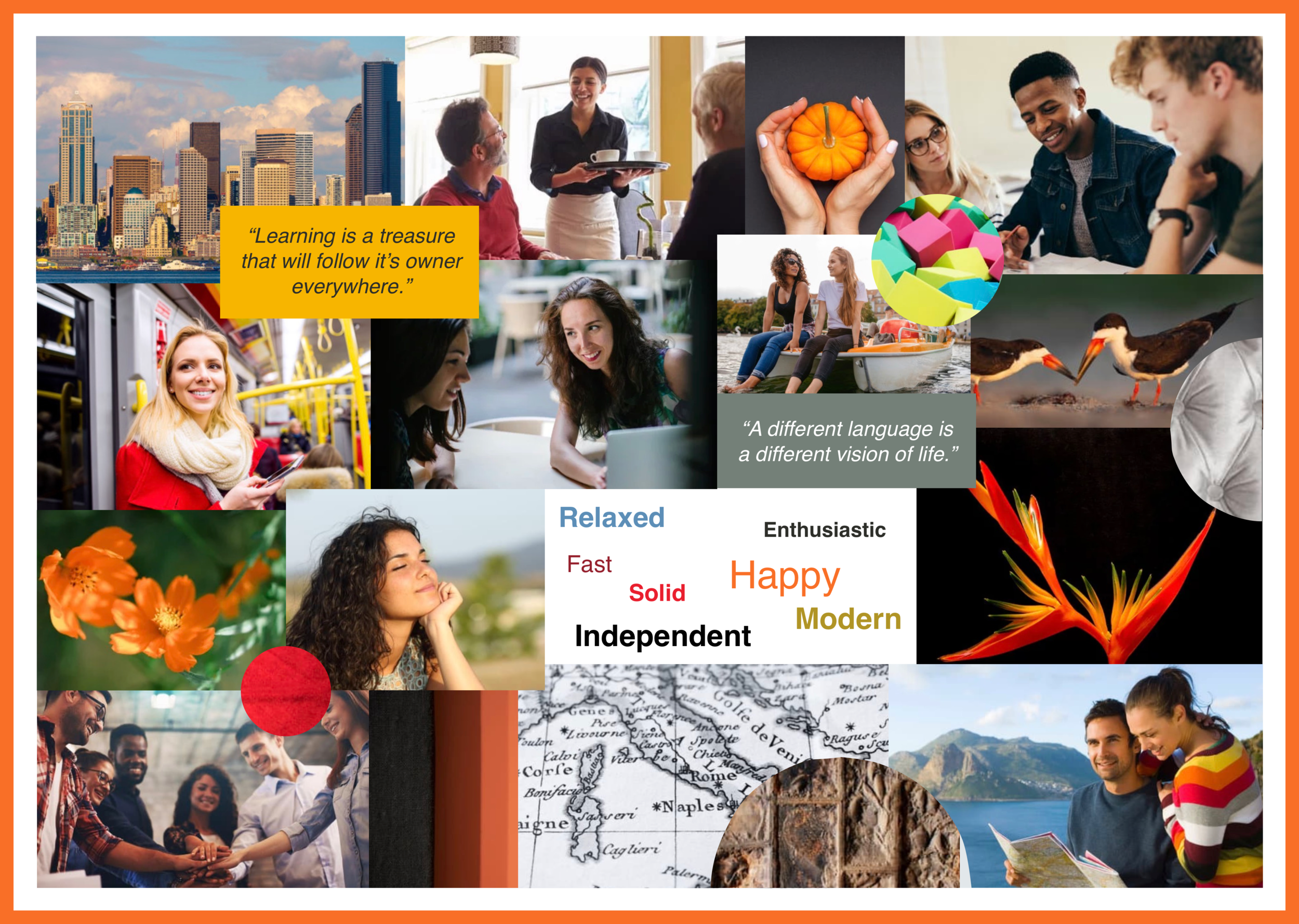
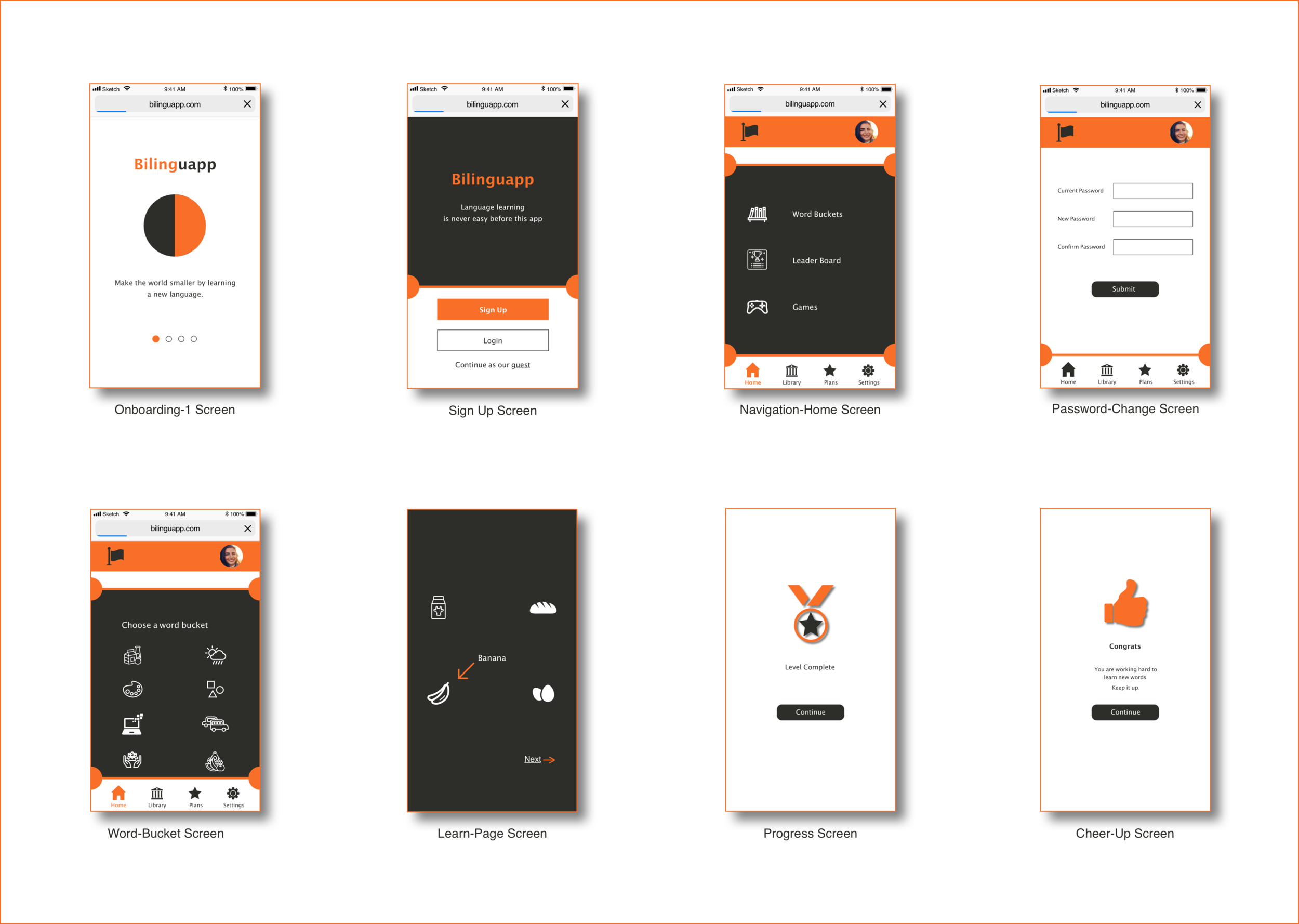
For the visual design of bilinguapp, I got the inspiration from the mood boards that are created after developing my mid-fidelity wireframes. I created these high-fidelity wireframes using sketch.
I created a rapid prototype using prottapp. This rapid prototype is based on the low-fidelity wireframes which I drawn using pen & paper.
Thank you for watching the project down here :)
If you’d like to have a chat about anything related to designs,
I’d love to hear from you!